User Operations
Control Keys
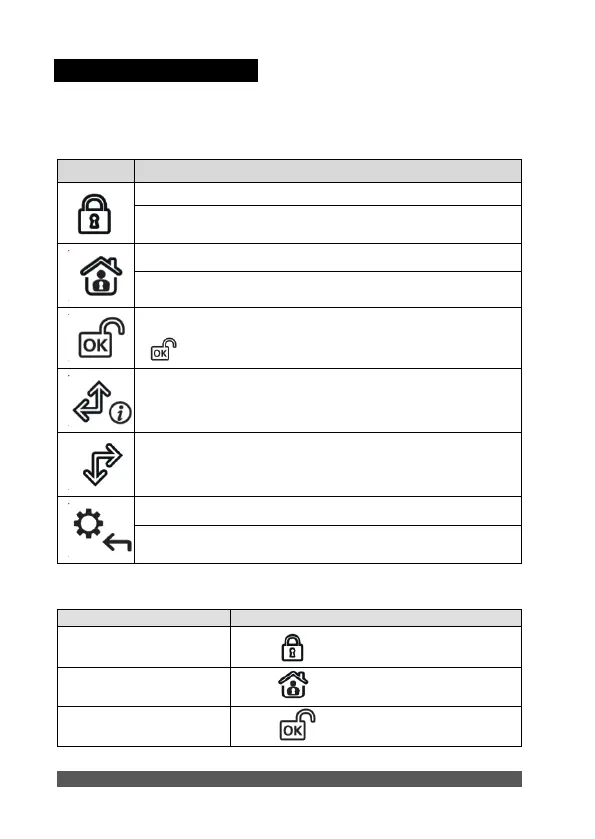
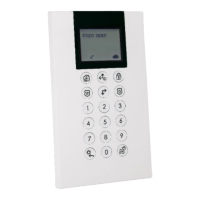
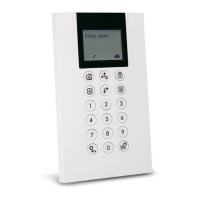
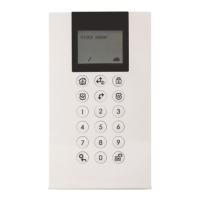
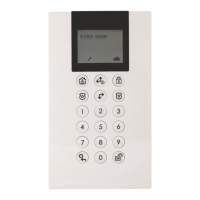
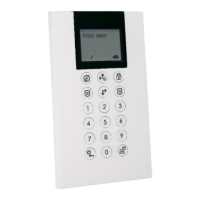
The following lists details the user operations from the 2-Way WL Panda for LightSYS
keypad.
In Normal Operation mode: Used for Away (Full setting).
In User Functions menu: Used to change data.
In Normal Operation mode: Used for Stay arming (Part Setting).
In User Functions menu: Used to change data.
Used to disarm (unset) the system after a user code is entered;
is used to terminate commands and confirm data to be stored.
Used to scroll up a list or to move the cursor to the left;
Provides the system status.
Used to scroll down a list or to move the cursor to the right.
In Normal Operation mode: Used to enter the User Functions menu.
In User Functions menu: Used to move back one step in the menu.
Disarm (Unset) and Silence
an alarm





 To Next Page