NORMAL OPERATION
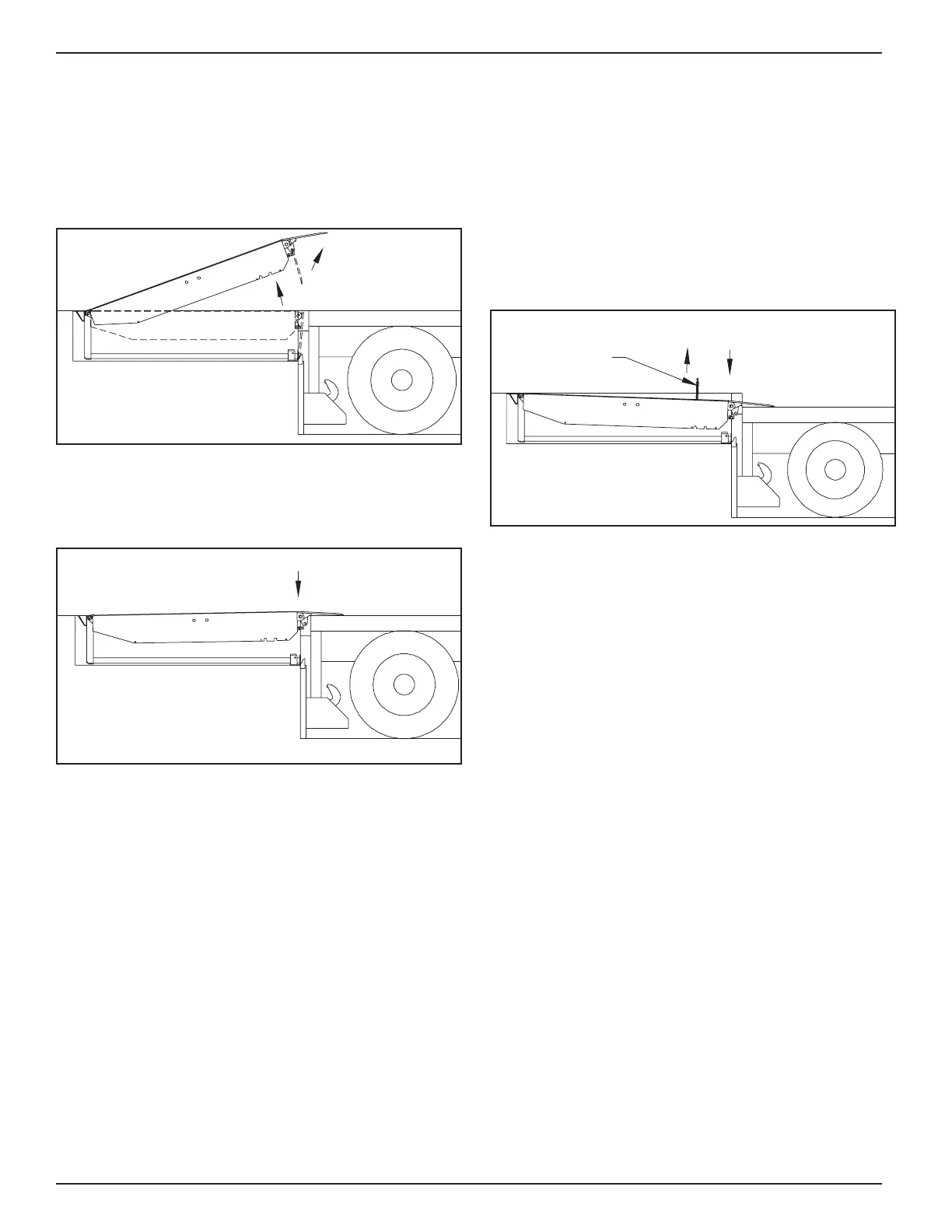
1. Activate the leveler by pushing and holding the
RAISE button until leveler is fully raised and lip is
fully extended. See gure 3.
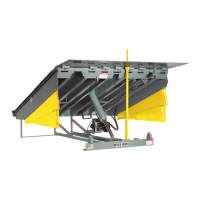
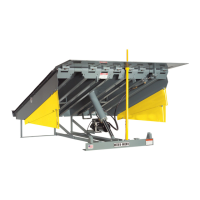
FIGURE 3 - POWERED DOCK LEVELER
2. When lip is fully extended, release RAISE button. The
leveler will automatically lower onto the truck/trailer bed.
See gure 4.
FIGURE 4 - NORMAL OPERATION
3. See Storing Leveler.
NOTES:
a. Levelers without Automatic Return to
Dock (ARTD) If the truck/trailer departs, the
leveler will move to its lowest position and
the lip will fall to the pendant position inside
the dock bumpers. See Storing Leveler.
b. Levelers with Automatic Return to Dock
(ARTD) If the lip is on the truck/trailer and
the truck departs, the leveler will move to
its lowest position and the lip will begin to
lower. As the lip drops toward the pendant
position, the ARTD system automatically
returns the leveler to the stored position
without operator assistance.
BELOW DOCK LOADING OPERATION
1. Activate the leveler by pushing and holding the
RAISE button until leveler is fully raised and lip is
fully extended. See gure 3.
2. When lip is fully extended, release RAISE button. If
equipped with safety legs, pull and hold the Safety
Leg Chain as the leveler lowers automatically onto
the truck/trailer bed. See gure 5.
FIGURE 5 - BELOW DOCK OPERATION
(SAFETY LEG EQUIPPED SHOWN)
3. When loading/unloading is complete, continue with
normal operation or return the leveler to stored
position. See Storing Leveler.
OPERATION
Safety Leg
Chain
RHA-4000 Dock Leveler Owner's Manual Rite-Hite
®
8 Publication: AMEN00045 2020-02-04




 To Next Page