Operator’s Guide Inspector D4000™ Auto Optic
002-5564 RJS, Minneapolis, MN
5.4 Storage
Storage will display as either Storage Inactive or
Storage % depending on whether Store and Print is
enabled or disabled.
When Store and Print is enabled, a number and a
percentage sign 0 to 99% will display.
When Store and Print is disabled, Storage Inactive
will display.
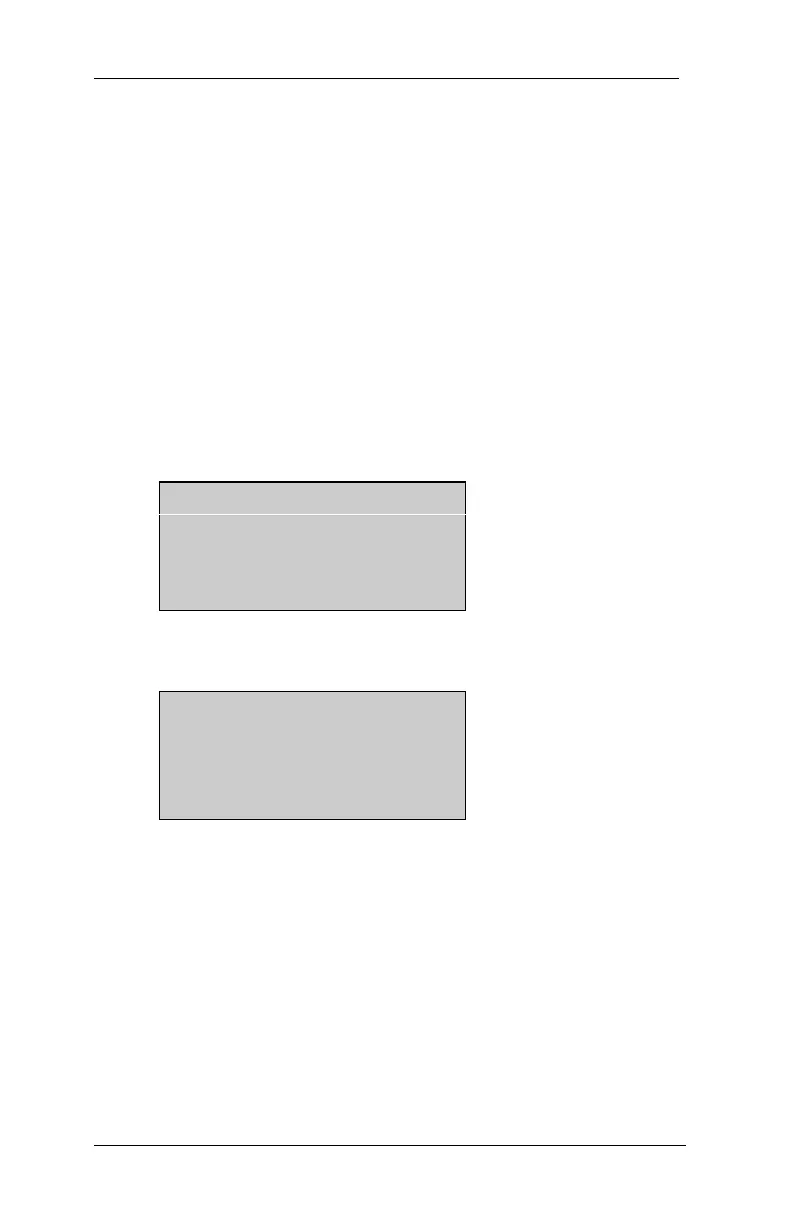
The Storage Section (from the Main Menu) refers to
Store and Print. The display will show either “Storage
Inactive” or “Storage %.”
Scan Calib Setup
Storage Inactive
D4000A Ver.x.xx
“Inactive” displays when Store and Print is inactive.
Scan Calib Setup
Storage XX%
D4000A Ver.x.xx
A storage “%” displays when Store and Print is active.
If a % is displayed, it represents the percentage of the
buffer that is filled with scan data.
You may enable or disable Store and Print by pressing
Enter with the cursor on Storage.
(Toggle from one option to the other)



 To Next Page