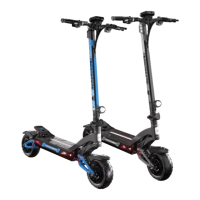
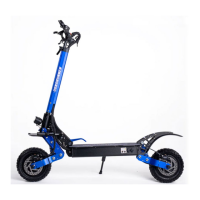
RX7 OWNERS MANUAL
8
USING CHARGING PORTS ON SIDE DECK OF SCOOTER
01
Plug the charger into a 120V power
supply (wall outlet, power strip, etc.)
02
Open the waterproof cover on the
charging port on the side deck, then
plug the charger into the scooter.
03
A red light means the Scooter is
charging; green means it is fully
charged.
04
Cover the charging port once the
charger is removed.
USING CHARGING PORTS ON BATTERY:
0 1
Open deck lid of scooter. Unplug the quick-connect plug
attached to the battery and remove battery from scooter.
0 2
Plug the charger into a 120V power supply
(wall outlet, power strip, etc.)
0 3
Open the waterproof cover on the charging port on the battery,
then plug the charger into the charging port.
0 4
A red light means the Scooter is charging;
green means it is fully charged.
05
Cover the charging port once the charger is removed.
For faster charging, a second 5 amp charger can be used in the
second charging port to charge the battery at twice the rate.
Charging the Scooter



 To Next Page