02 03
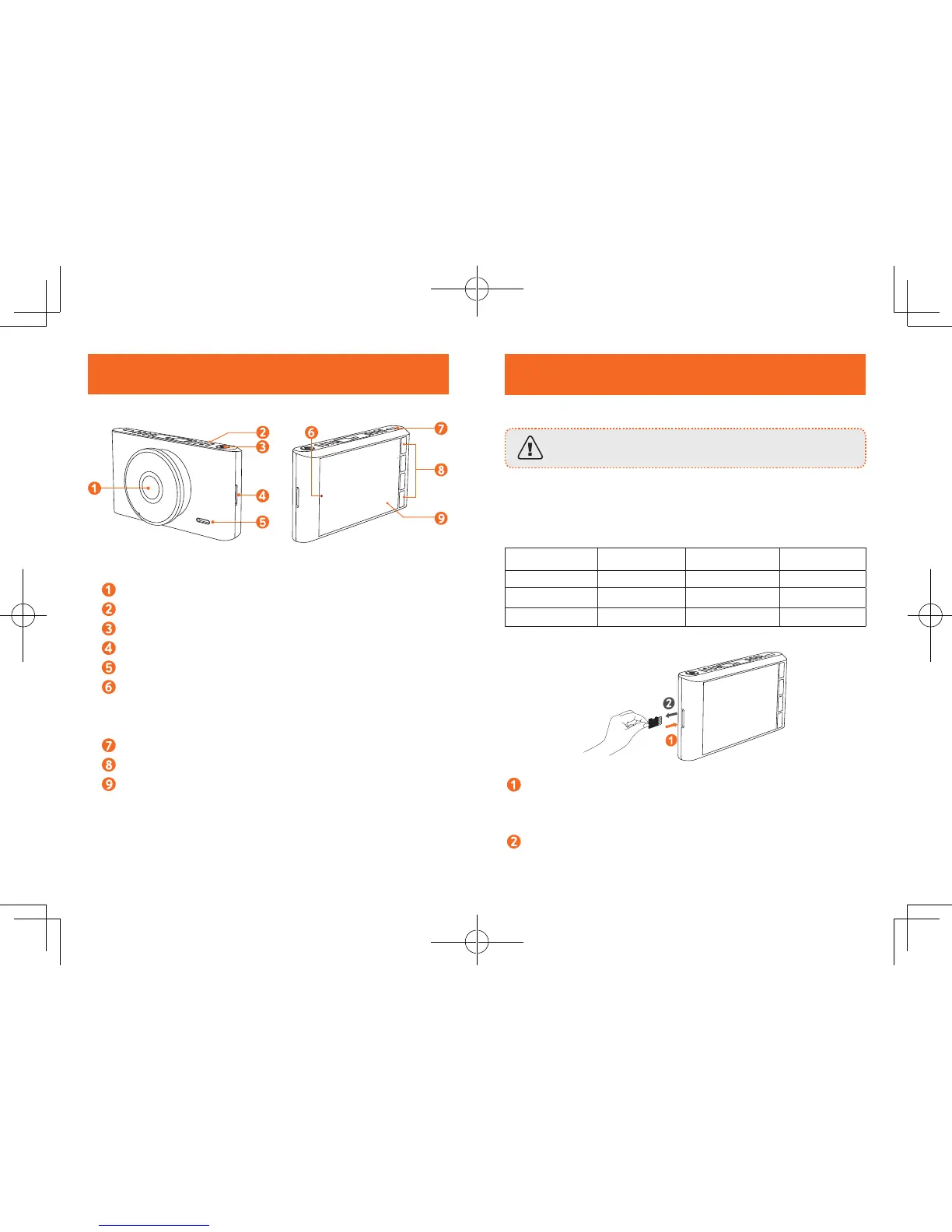
Inserting Memory Card
Do not remove or insert microSD / TF card when this
product is powered on, which may damage the card.
For reliable operation, use a Class 10, 32GB microSD / TF card. For
a 64GB/128GB card, format it before using. It is
recommended to
format the card regularly.
Card Capacity 1080P 30FPS 720P 60FPS 720P 30FPS
32 GB 320 min 360 min 480 min
64 GB 640 min 720 min 960 min
128 GB 1280 min 1440 min 1920 min
Insert a microSD / TF card with the gold contacts facing
the screen side of the DashCam. Push the card until it
clicks into place.
To remove the card, gently push its top edge inward until it
clicks, and then pull it out of the slot.
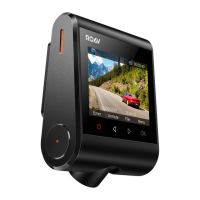
At a Glance
Camera lens
Air vent
Power button
Memory card slot
Speaker
LED indicator
• Flashing blue: recording in progress
• Steady red: no recording status
Micro USB charging port
Buttons
LCD screen


 To Next Page