04 05
Installing Your DashCam
• Never install this product while driving.
• Install this product near the rear-view mirror to obtain
the best open-field view. Do not install in a location
that will obstruct your required driving view.
• Make sure that the lens is within the wiping range
of the windscreen wiper to ensure a clear view even
when it rains.
• Do not touch the lens with your fingers. Finger grease
may be left on the lens and will result in unclear videos.
• The mount is adhesive and may be destroyed if it is
removed from the windshield.
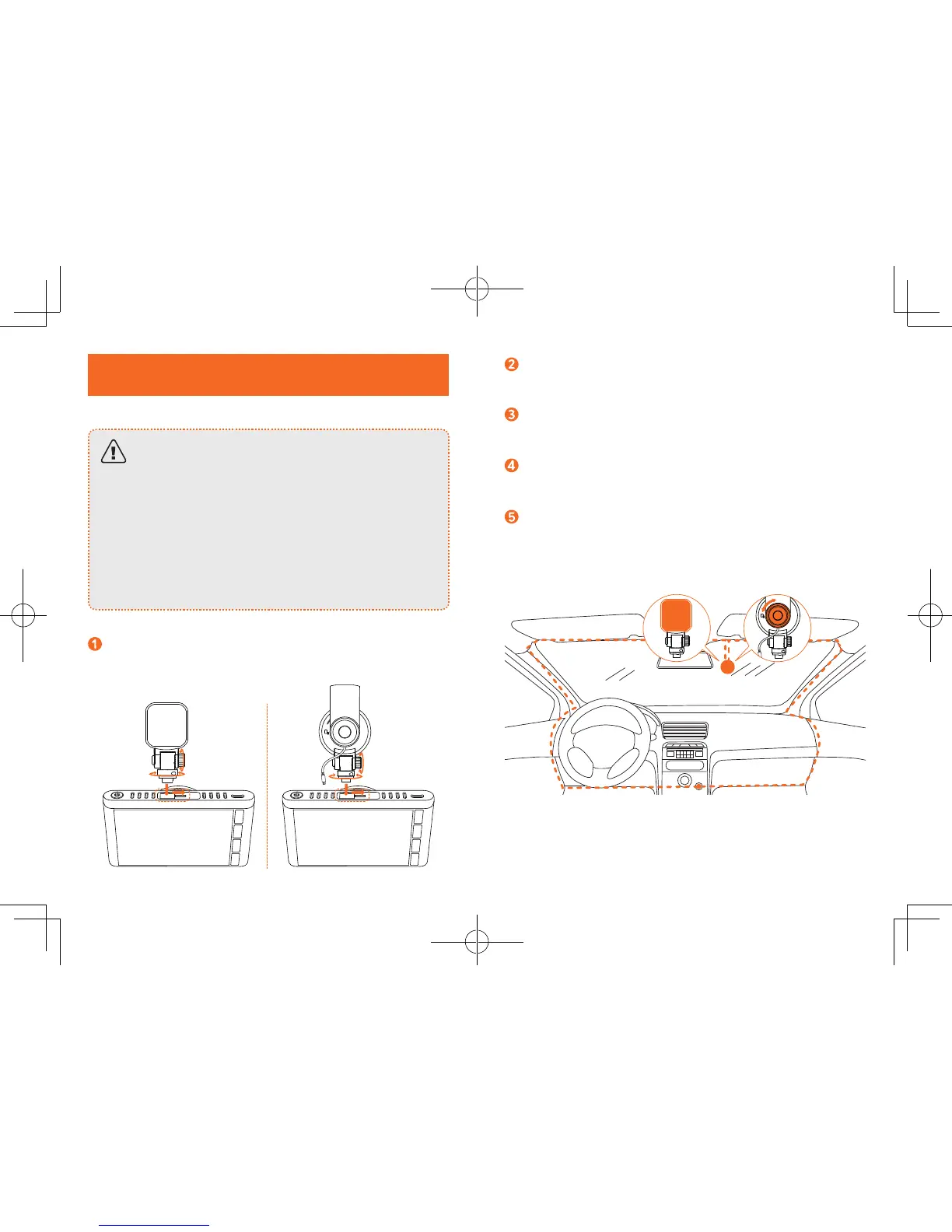
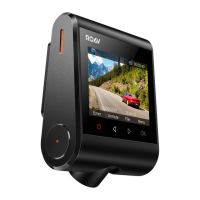
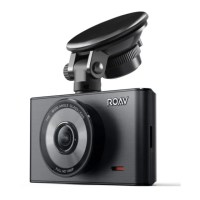
Attach the DashCam onto the mount.
Select a location on the windshield near the bottom right
corner of the rear-view mirror, clean with clear water and
wait until fully dry.
Remove 3M adhesive sticker and firmly ax the mount onto
the windshield. Alternatively, cover the suction mount onto
the windshield and rotate the lock as indicated.
Use the crowbar to press and hide the charging cable
into the seams and weatherstrips around the edge of the
dashboard.
Adjust the lens viewing angle to ensure that it is aligned
with the road ahead, then rotate the fixing knob to fasten.


 To Next Page