08 09
Using Your DashCam
As a driver, you have full responsibility to drive safely and adhere
to all applicable trac regulations.
Record Videos
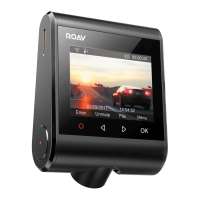
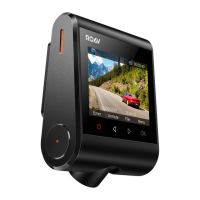
When connected to a car charger, DashCam automatically
starts recording and a red dot flashes on the screen. The
current recording duration is displayed, and the current date
and time is displayed.
To enable / disable the audio recording, press .
Protect the Current Recording
By default, DashCam uses a sensor to automatically detect
accidental collisions and protect the video file with duration
of 30 seconds, and is displayed. This indicates that those
recordings have been locked and will not be overwritten by new
video clips.
To protect the current recording manually, press .
Playback Videos
The DashCam stops recording while viewing videos or settings.
Press to view all saved videos.
Select a video to playback.
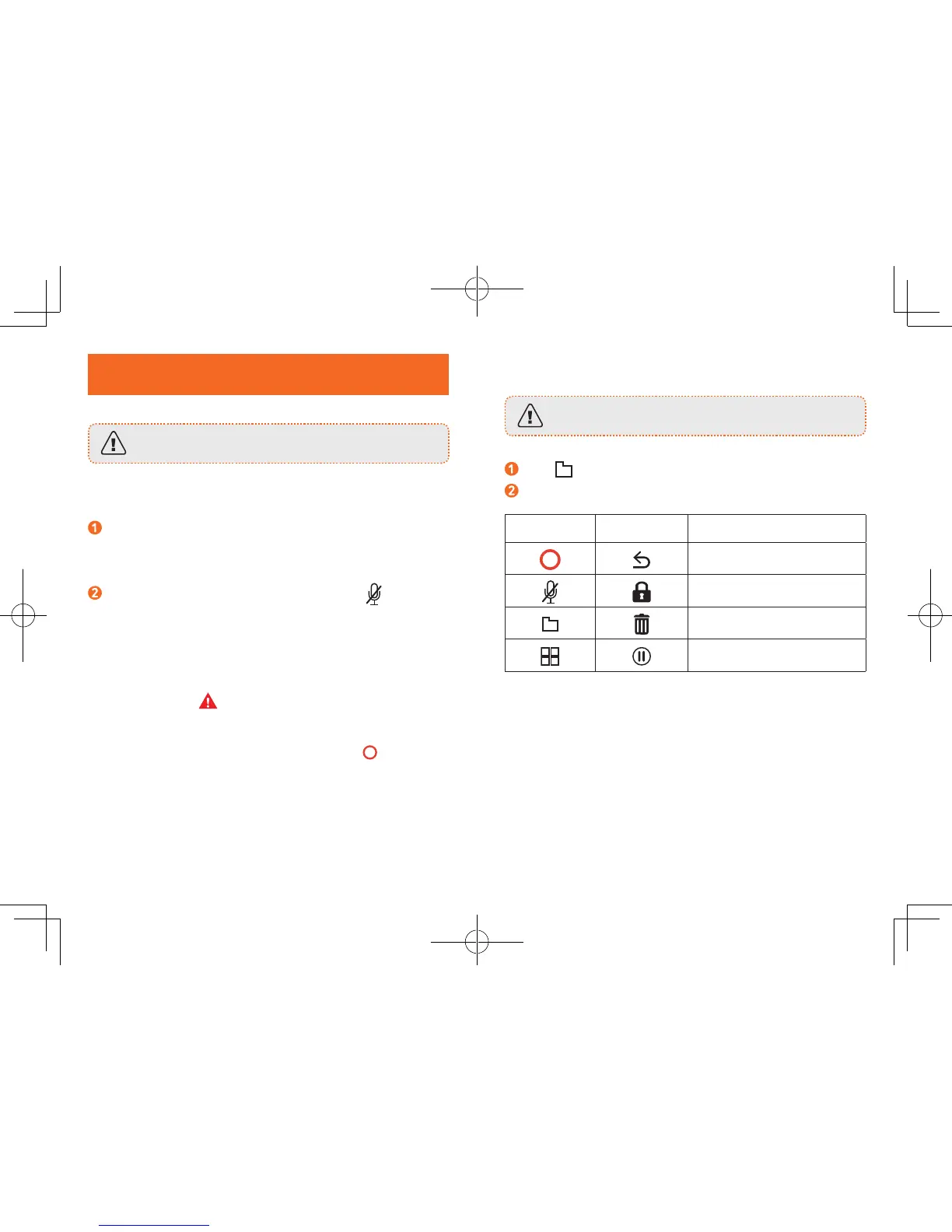
Button Virtual Button Function
Back to previous menu
Lock Current / Unlock
Current
Delete Current / Delete All
Play / Pause



 To Next Page