04 English English 05
LED Indication
• Flashing red: recording in progress
• Steady blue: charging
Getting Started
Insert a Memory Card
Do not remove or insert microSD / TF card when this
product is powered on, as it may damage the card.
A Class 10, 32GB microSD / TF card is required as lower-class cards
may damage the product. A 64GB or 128GB card should be formatted
in
DashCam before using. Regularly formatting the card is
recommended.
To format the microSD card correctly:
Press to access the Home menu.
Press to choose the “Format” option. The card is now
formatted for DashCam.
Card Capacity 1080p @30fps 720p @60fps 720p @30fps
32GB 320 min 360 min 480 min
64GB 640 min 720 min 960 min
128GB 1280 min 1440 min 1920 min
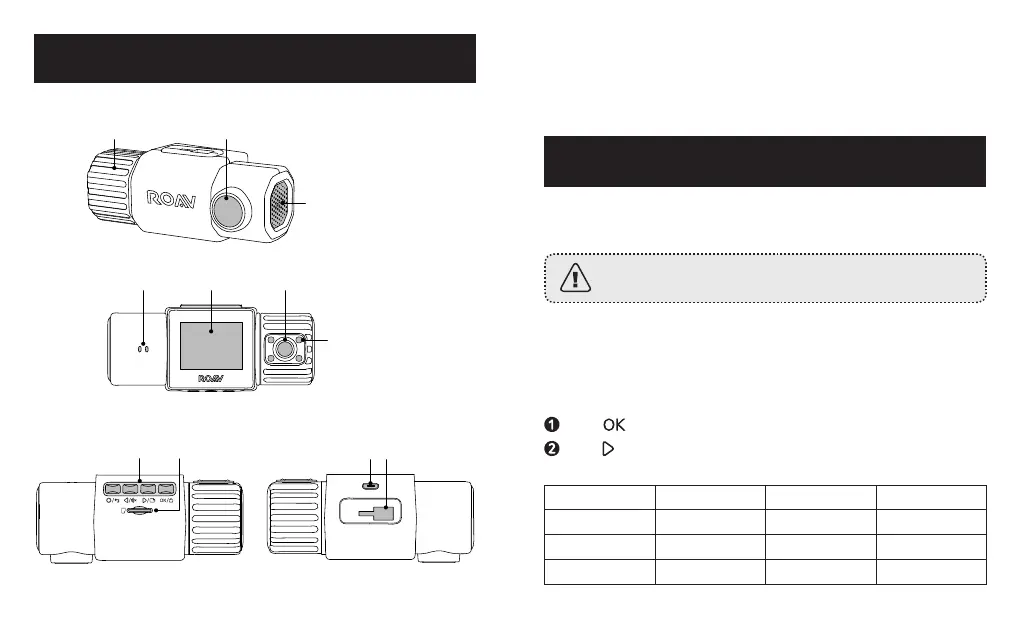
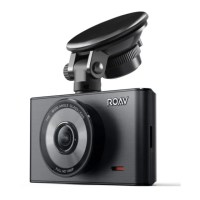
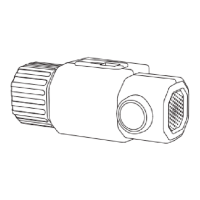
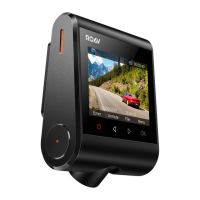
At a Glance
Knob
Front camera lens
Speaker/Air vent
Indicator LCD screen Rear camera lens
IR LED lights
Buttons
Micro USB
charging port
Memory
card slot
Mount slot


 To Next Page