08 English English 09
Adhere the 3M sticker onto the windshield and rotate the lock
as indicated.
Use the crowbar to press and hide the charging cable into the
seams and weatherstrips around the edge of the dashboard.
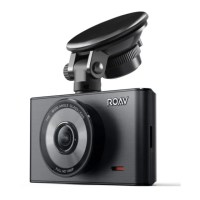
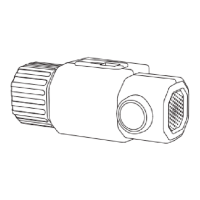
Adjust the lens viewing angle to ensure that it is aligned with the
road ahead, then rotate the fixing knob to fasten.
Do not install DashCam on an uneven surface as the
suction mount will be likely to detach.
Connect to Power
There are two ways to connect to power.
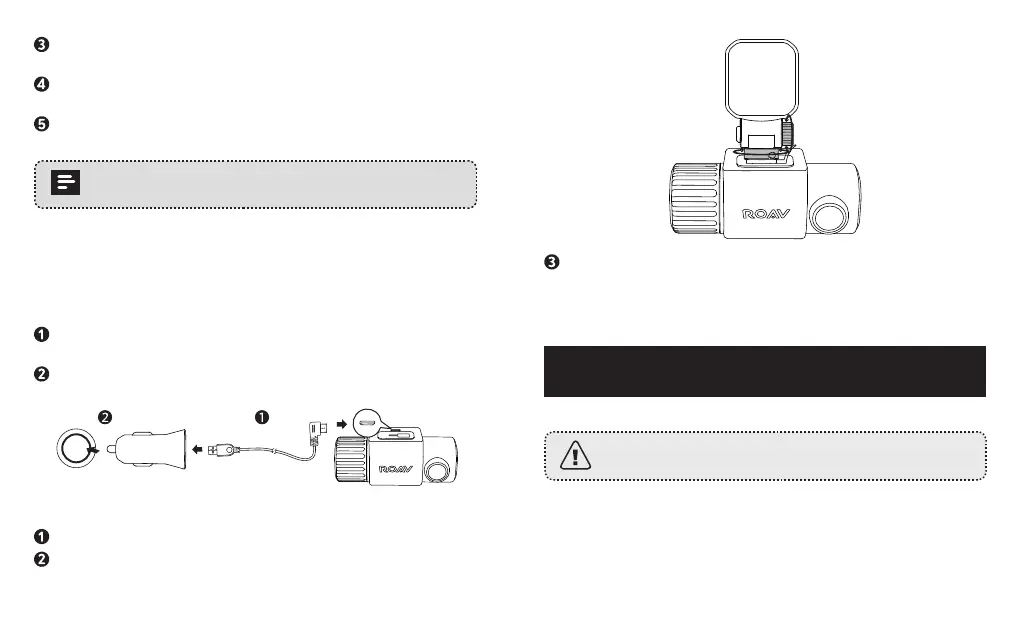
A) Use the provided charging cable
Connect the car charger to DashCam Duo using the charging
cable.
Plug the other end of the car charger into your vehicle’s cigarette
lighter socket.
B) Use the hardware kit (not provided)
Connect one end to the micro USB port by using the hardware kit.
Plug the other end of the hardware kit into your vehicle’s OBD
port.
Once the car engine has started, DashCam will automatically
power on and start recording. Once the car engine has shut
down, DashCam will automatically save the recording and turn
o.
Using Your DashCam
As a driver, you have full responsibility to drive safely and
adhere to all applicable trac regulations.
Record Videos
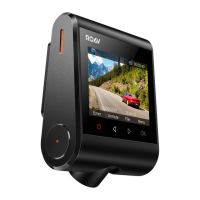
This DashCam features dual recording modes. The cameras
will capture the road in front as well as your car’s interior at the


 To Next Page