Verify and Set your Advanced Settings
•
To set your Advanced Settings:
•
Enter Menu → Memory Unlock
•
Enter Menu → Advanced →
•
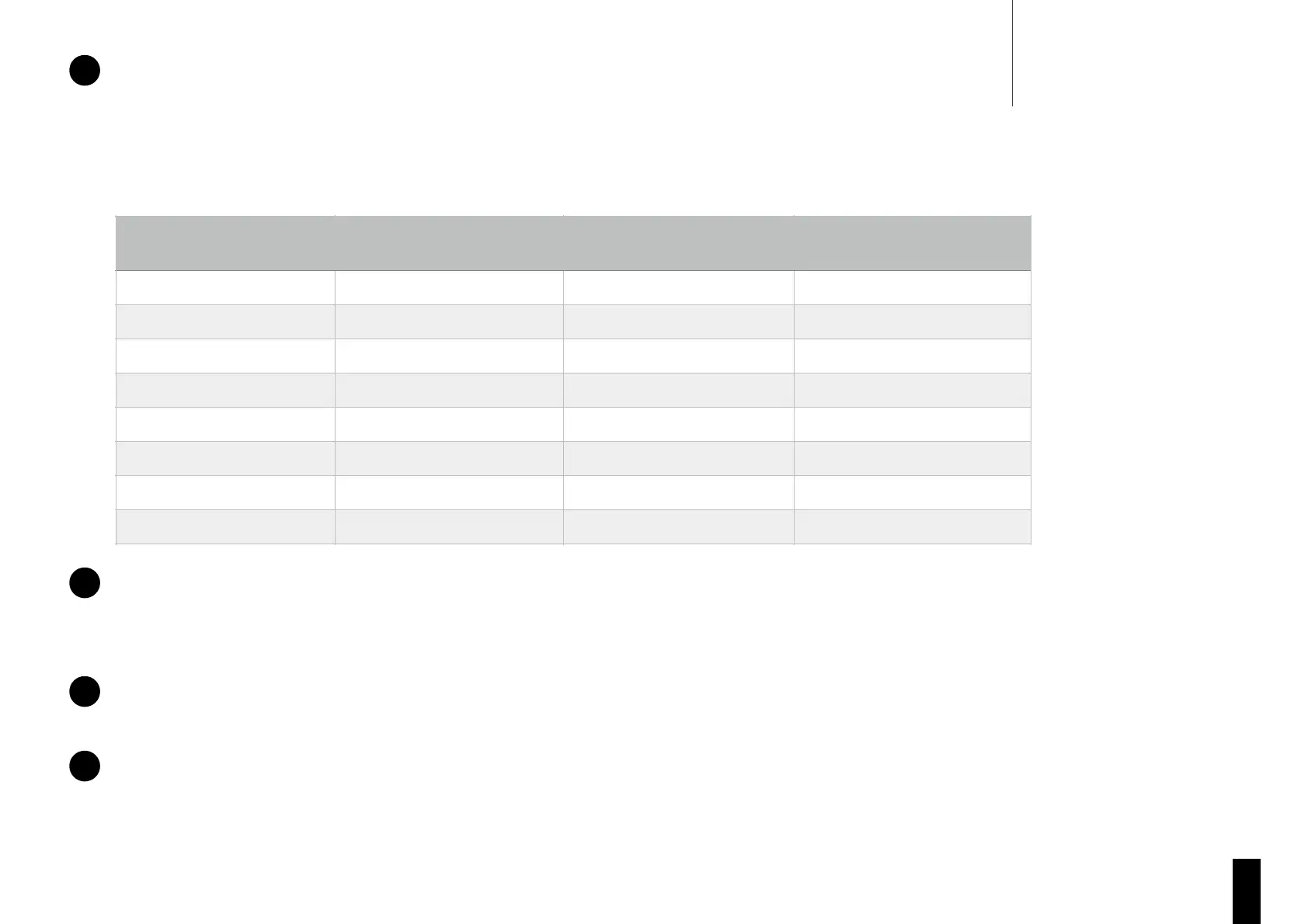
Change all settings to match your instrument according to the table below. Ensure to save the setting using the mode button (1):
Master Reset
•
Enter the menu (by holding the joystick) and navigate to ‘GENERAL’.
•
Unlock the menu and navigate to ‘MASTER RESET’.
•
Press the mode button and wait for ‘Reset Complete’ to appear on the display.
String Calibration (if required)
•
If your display does not display “Ready”, you will need to Calibrate the strings. (See ‘Calibrate a String’ section of this user guide).
Bridge Calibration (if required)
This step is only required if your guitar shipped prior to mid 2018.
•
(See ‘Auto-Bridge Calibration’ section of this user guide).


 To Next Page