19
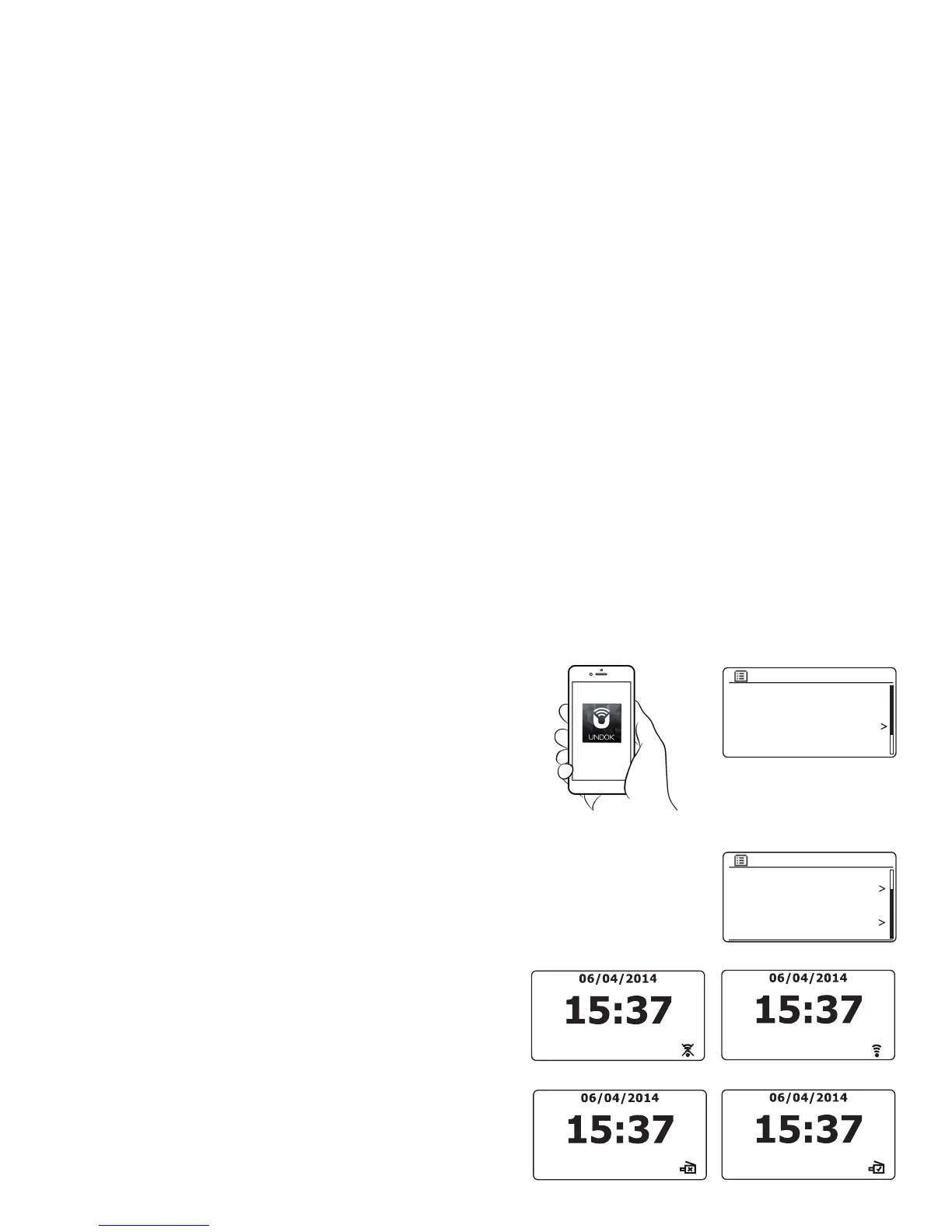
Keep network connected
Your sound system has the option to shut down its WiFi or Ethernet connection
when it is in Standby. This minimises power consumption but it does mean that
you will need to switch the sound system on manually in order to use either
Spotify Connect, the 'Play to' function or any remote control software such as
the UNDOK app.
If you need to be able to remotely control the sound system even when it has
been put into Standby, then you can choose to keep the network connected
by using the 'Keep network connected' option in the network settings menu. In
the Standby mode display the WiFi signal indicator is shown with or without a
cross through it, or the Ethernet connection indicator is shown unplugged or
plugged in, according to the state of the connection.
Network wizard
PBC Wlan setup
View settings
Wlan region
Manual settings
NetRemote PIN Setup
Network settings
View settings
Wlan region
Manual settings
NetRemote PIN Setup
Network profile
Keep network connected
Network settings
Your sound system has the option of being controlled by an application installed on
an Apple iPhone, iPod touch, iPad or equivalent Android device. The PIN number
facility allows you to ensure that your sound system can only be controlled by
your own device rather than someone else's.
The remote control application is called UNDOK, by Frontier Silicon Limited, and
is available from the Apple App Store and Google Play for your device.
UNDOK will try to use the default PIN of '1234' to control your sound system.
You may change the PIN if desired using the 'NetRemote PIN Setup' option in
the Network settings menu. The updated PIN should then be used in the UNDOK
app to allow the app to reconnect to the sound system. The app will prompt
you for the PIN as needed.
Network remote control options
Network PIN setup (PIN number)
Control via the UNDOK app


 To Next Page