robert juliat Route de Beaumont F 60530 Fresnoy-en-Thelle phone: 33 (0)3.44.26.51.89 - fax: 33 (0)3.44.26.90.79 - www.robertjuliat.fr
Robert Juliat reserve the right to change or alter any of the items detailed on this page, to increase or improve manufacturing techniques without prior notice.
VALID SINCE : 09.05.01
DocTech1039_1439_090501.ind
41
TECHNICAL FILE
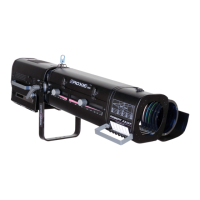
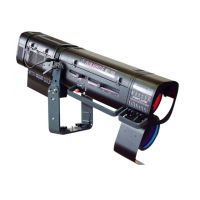
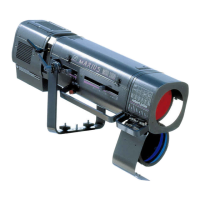
2500W HMI FOLLOW SPOT
NON-FUNCTIONING DIAGNOSIS.
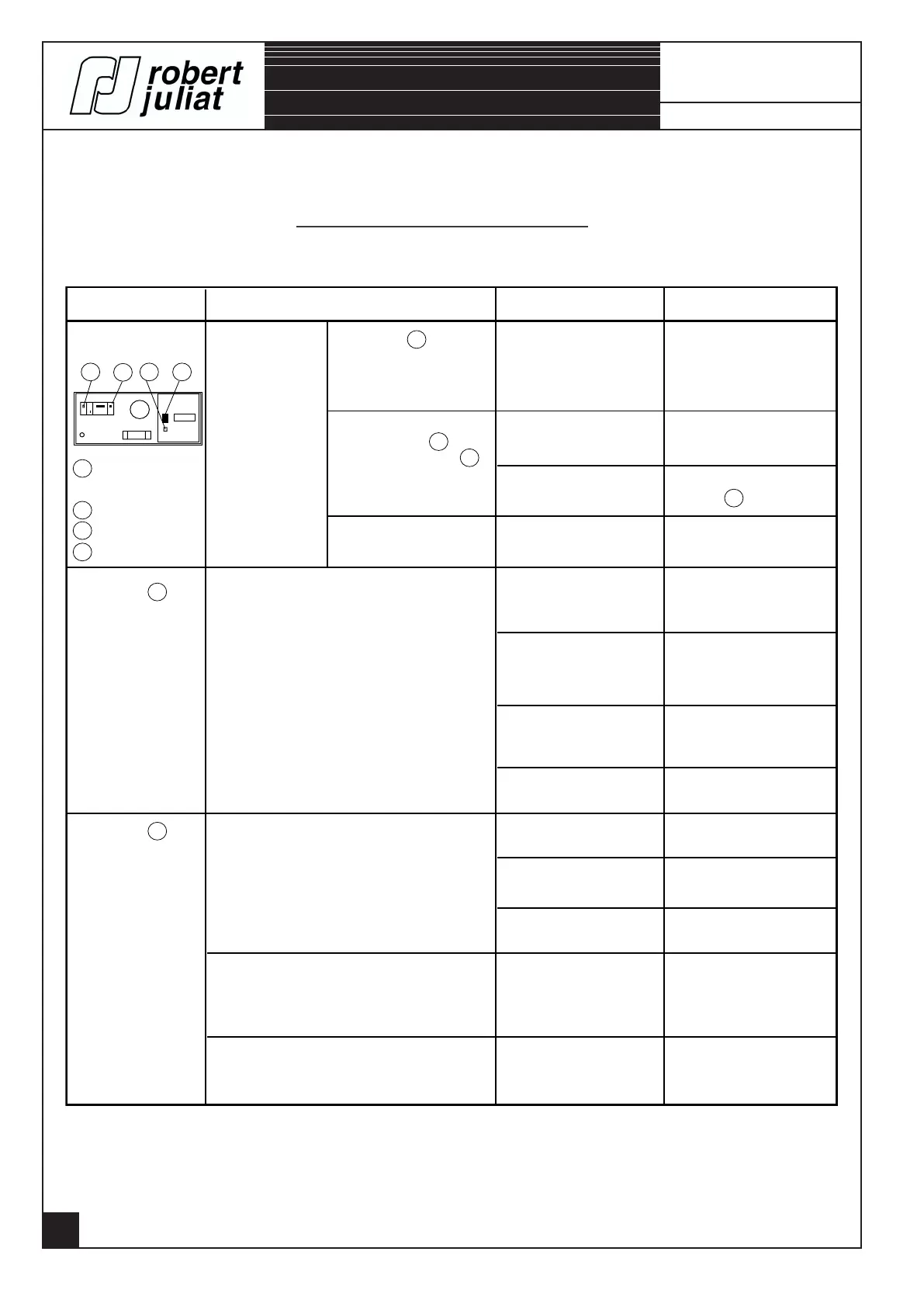
OPERATION SYMPTOMS POSSIBLE CAUSES REMEDIES
3 4 1 2
THE POWER
SUPPLY UNIT
1 HMI lamp ON.
or OFF checklight.
2 Rocker switch.
3 Mains checklight.
4 Circuit breacker.
No light in the
lantern side.
Checklight 3 does
not light up when the
power supply unit is
connected.
Rocker switch 2 in ON
position, checklight 1
is off.
Difficulty in lighting.
Mains absence.
Lamp failure.
Automatic breaker and
transformer are OFF.
Badly adjusted
spark-gap.
Check the mains and
cable connections.
Repeat the operation.
Turn ON the automatic
breaker 4 .
Bad contact. Harting plug
power supply / Lighting
unit.
Lantern bonnet badly
closed.
Check the connections.
Make sure bonnet is
properly closed. Adjust the
position of the mini-circuit
breaker.
Lamp is badly mounted.
Failure to ignite
(ignition block, spark-gap).
Open colour unit at the
front of the lighting unit.
Check gobo frame.
Colour changer unit
closed.
Gobo frame changer
badly positioned.
Iris cassette closed.
Reconnect the connector
or clips.
Reflector and lenses not
in good condition.
Fans power supply
connector or clips
disconnected.
No air exhausted in the lamp housing.
Bad quality light beam.
No light in the zoom side.
(Lantern alight).
No light in the lantern side.
LIGHTING UNIT
(Checklight 1 off).
(Checklight 1 on).
LIGHTING UNIT
Refer to page 22.
Turn the handle of the
iris cassette.
Refer to page 22.
Refer to pages 16.
Check cables and lamp.
Refer to page 22.
1039 & 1439


 To Next Page