If you need any further advice, please call our Technical Helpline on :-
020 8758 0338 (Mon-Fri)
Compact discs
Use only Digital Audio CDs which have the symbol.
Never write on a CD or attach any sticker to the CD. Always hold the CD
at the edge and store it in its box after use with the label facing up.
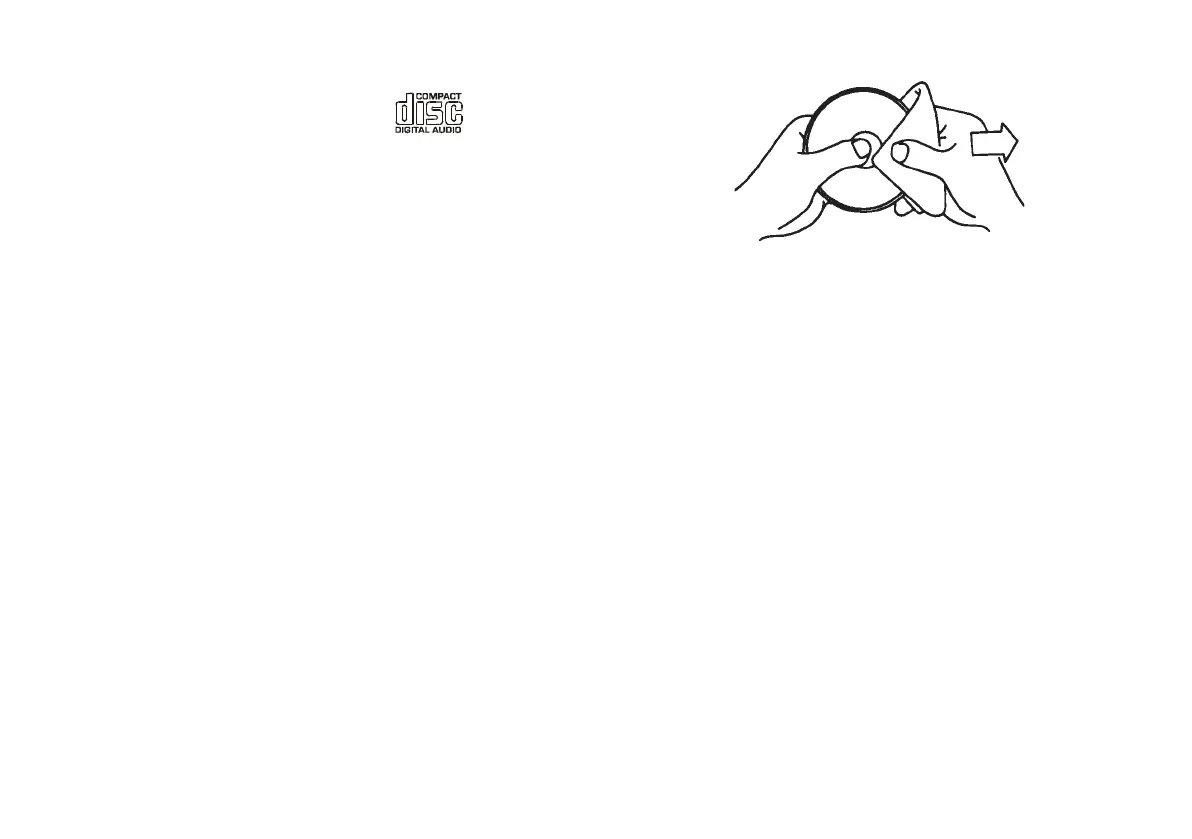
To remove dust and dirt, breathe on the CD and wipe it with a soft, lint-
free cloth in a straight line from the centre towards the edge.
Cleaning agents may damage the CD
Do not expose the CD to rain, moisture, sand, or to excessive heat. (e.g.
from heating equipment or in motor cars parked in the sun).
CD-R/CD-RW discs
Your CD clock radio can playback CD-DA format audio CD-R/CD-RW
discs that have been finalised* upon completion of recording.
Your CD clock radio may fail to playback some CD-R/CD-RW discs due
to poor recording of the CD-R/CD-RW disc.
*Finalising enables a CD-R/CD-RW disc to playback on audio CD
players such as your CD clock radio.
6
CR9986 Rev 1.pmd 5/19/2005, 8:28 AM7



 To Next Page