7
Inserting a CD
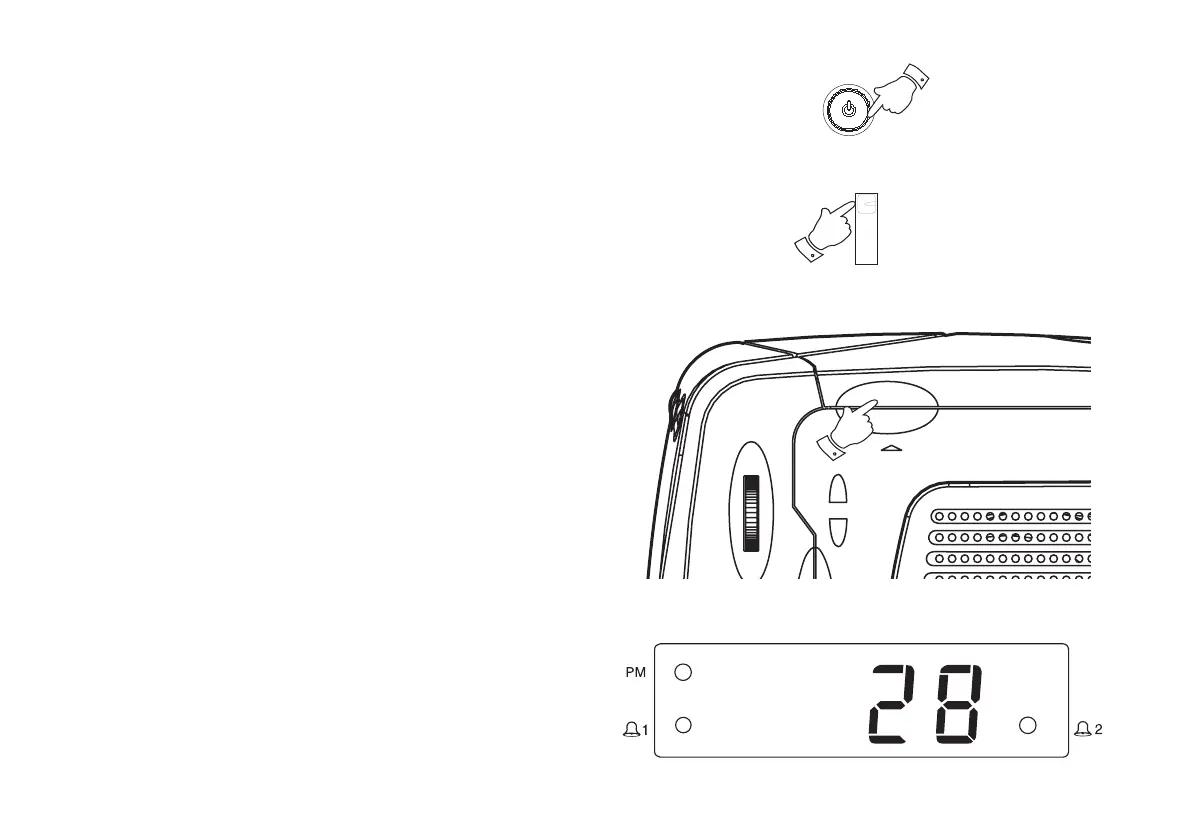
1. Press the On/Off button to switch on your CD clock radio. The On
indicator will light.
2. Set the Function switch to CD.
3. To open the CD compartment, lift the CD door by the handle as
shown.
4. Press the CD onto the spindle until it clicks into place. Close the CD
door. The CD player will scan the contents of the CD and the total
number of tracks will appear on the display. After a short time the
display will revert to showing time.
1
3
2
CR9986 Rev 1.pmd 5/19/2005, 8:28 AM8



 To Next Page