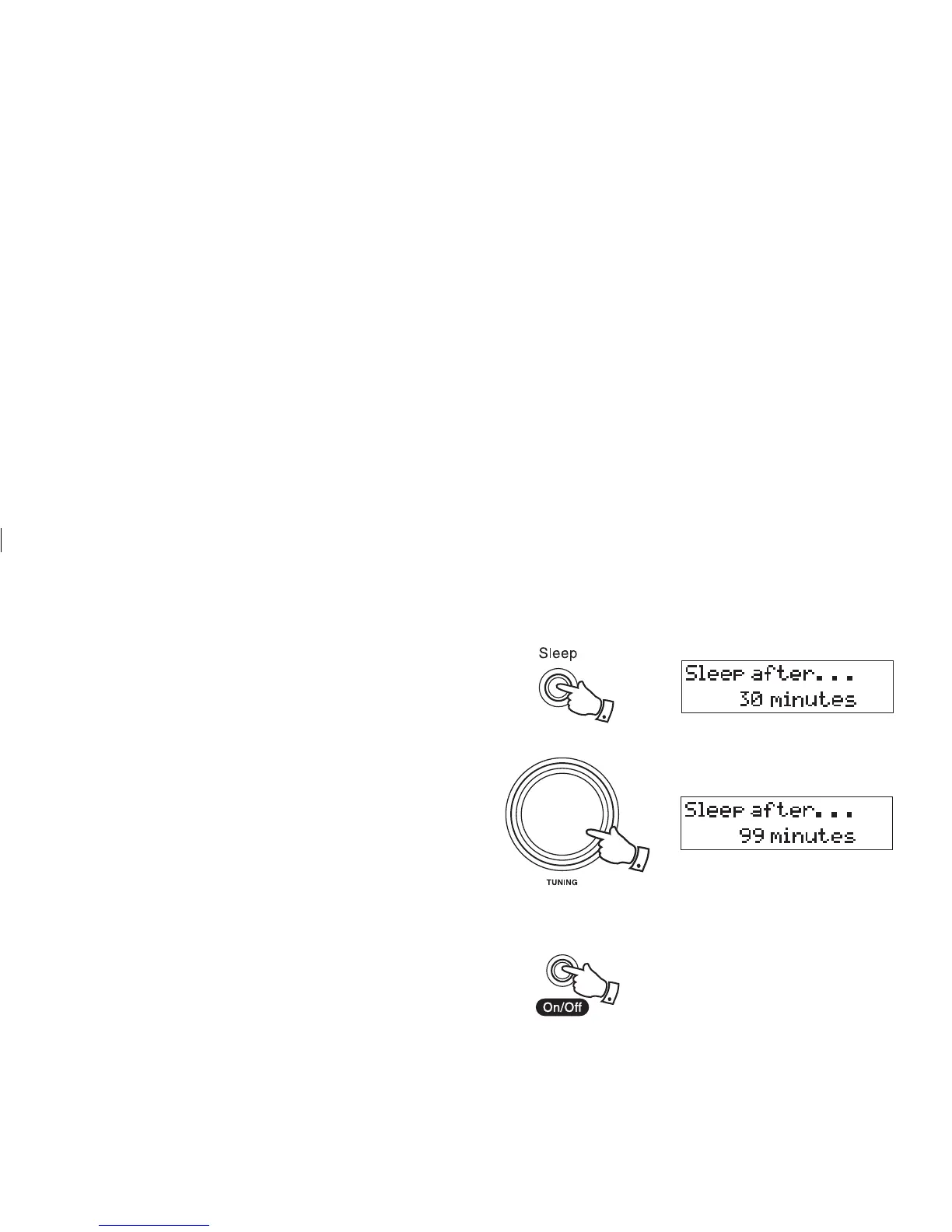
Sleep function
Your clock radio can be set to turn off after a preset time has elapsed.
1. Press the Sleep button the display will show "Sleep after 30 min-
utes".
2. Rotate the Tuning control to increase the time by 1 minute incre-
ments, up to a maximum of 99 minutes.
3. Rotating the Tuning control in the opposite direction will decrease
the time by 1 minute increments.
4. Your radio will switch off after the preset sleep time has elapsed.
5. To cancel the sleep function before the preset time has elapsed, press
the On/Off button.
5
2
19
1














 To Next Page