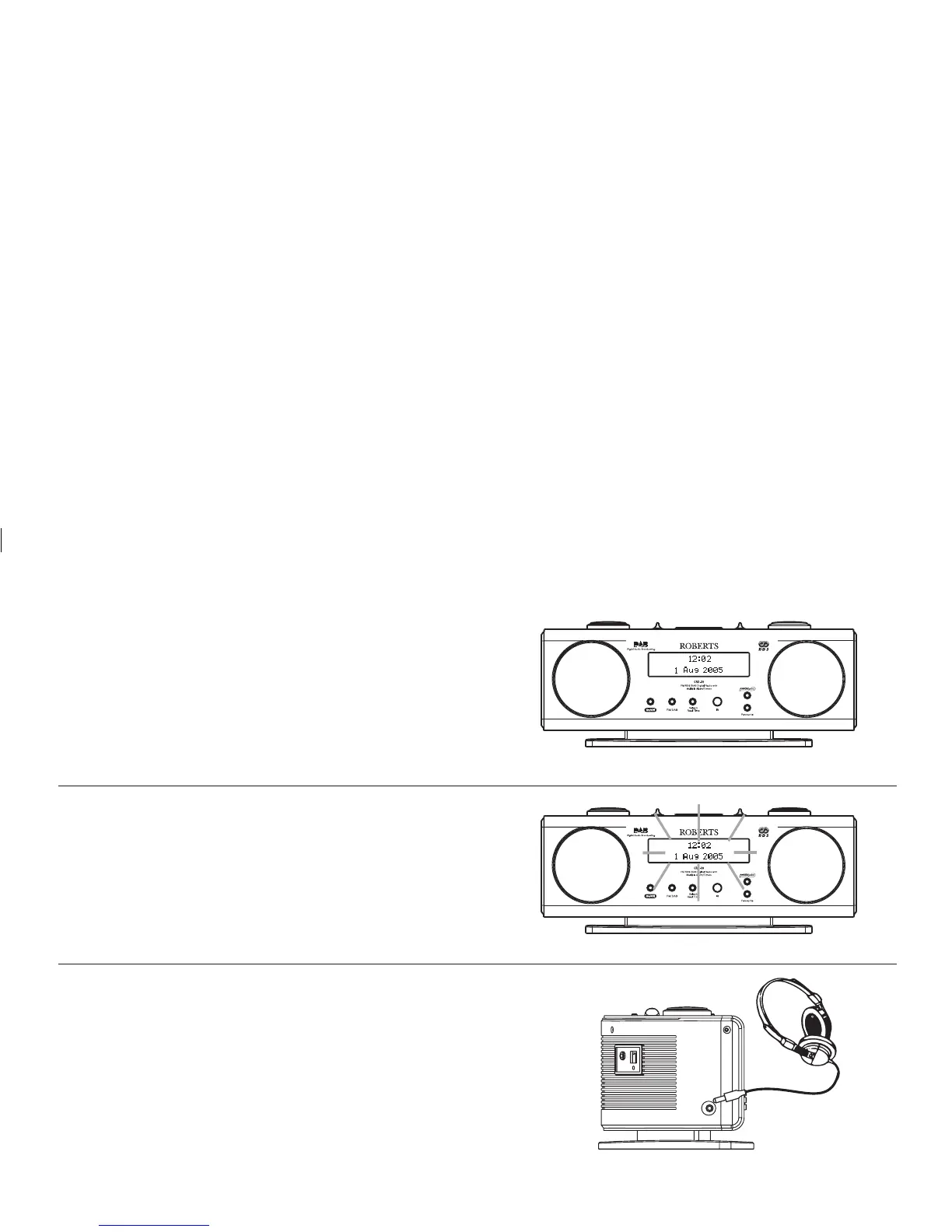
Display backlight
1. The display backlight will illuminate when your radio is switched on
and dim to about one tenth of the full brightness when your radio is in
standby mode.
Clock display
1. Your radio will display clock time when it is set to Standby mode.
2. During Standby mode the clock will receive updates from the last
station tuned to before entering Standby mode.
When in Standby mode your radio's clock will automatically track
Summer\Winter time changes.
27
Headphone socket
1. A 3.5mm Headphone Socket located on the left hand side of your radio
is provided for use with either headphones or an earpiece. Inserting
a plug automatically mutes the internal loudspeaker.














 To Next Page