If you need any further advice, please call our Technical Helpline on :-
0181 758 0338 (Mon-Fri)
13
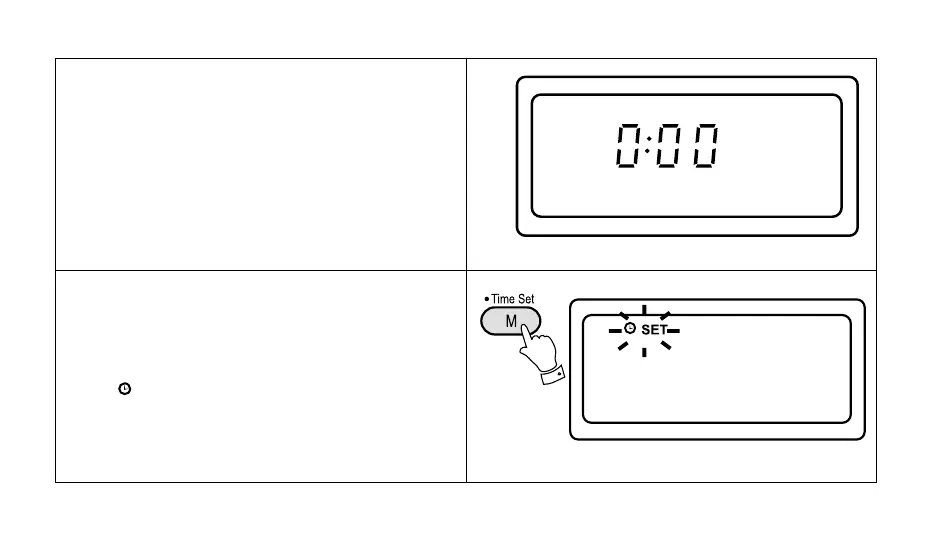
The clock will start running when the 3 LR6 (AA) size
batteries are installed. The display will show "0:00".
The clock can be set with the radio power on or off.
1. If the radio is switched on press the "Display" button
to display the time.
2. Press the "Time Set" button for more than 2 seconds,
the "
" symbol will flash in the display
Setting the clock



 To Next Page