If you need any further advice, please call our Technical Helpline on :-
0181 758 0338 (Mon-Fri)
In addition to real time a second time zone can be pro-
grammed into this radio.
1. Press the "Real/Dual" button the display will show and
flash " ".
15
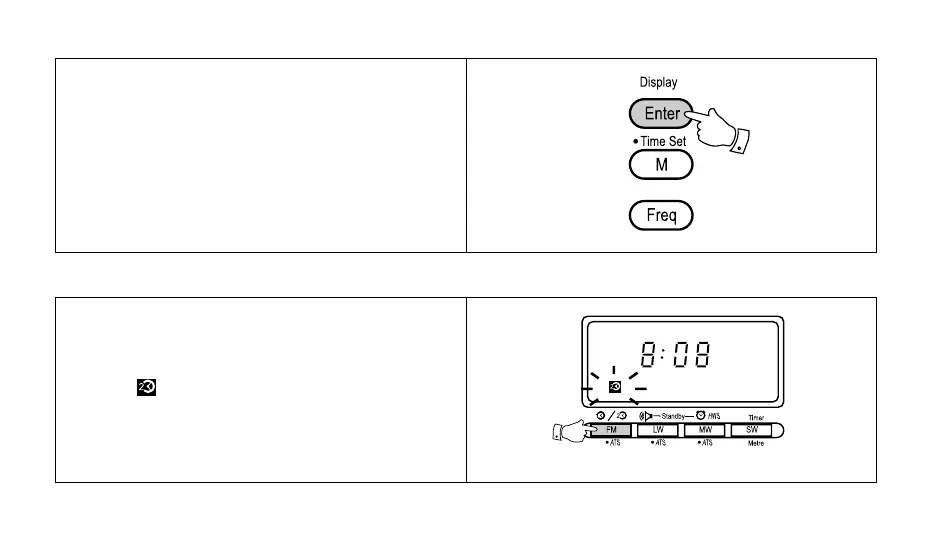
5. Press the "Enter" button to complete setting the clock,
the display will now show the correct time.
Note: Time should be entered in 24Hr format e.g. 3:00pm
would be entered as 15:00.
Setting dual time



 To Next Page