18
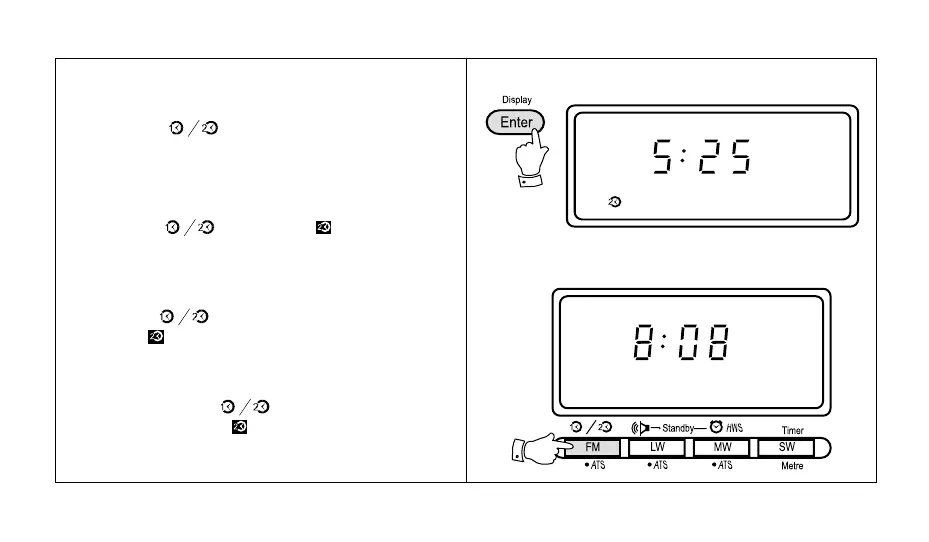
6. Press the "Enter" button to complete setting the dual
time, the display will now show the correct dual time.
7. Press the " " button followed by the "Enter"
button to return the display to real time.
Note:
a. To temporarily change between real and dual time mode
press the " " button, the symbol and dual
time will be shown in the display. After approximately 3
seconds the display will return to showing real time.
b. To permanently change the display to dual time mode
press the " " button followed by the "Enter" but-
ton. The symbol in the display indicating dual time
mode.
c. To permanently change the display back to real time
mode press the " " button followed by the
"Enter" button. The symbol will be removed from
the display.



 To Next Page