If you need any further advice, please call our Technical Helpline on :-
0181 758 0338 (Mon-Fri)
43
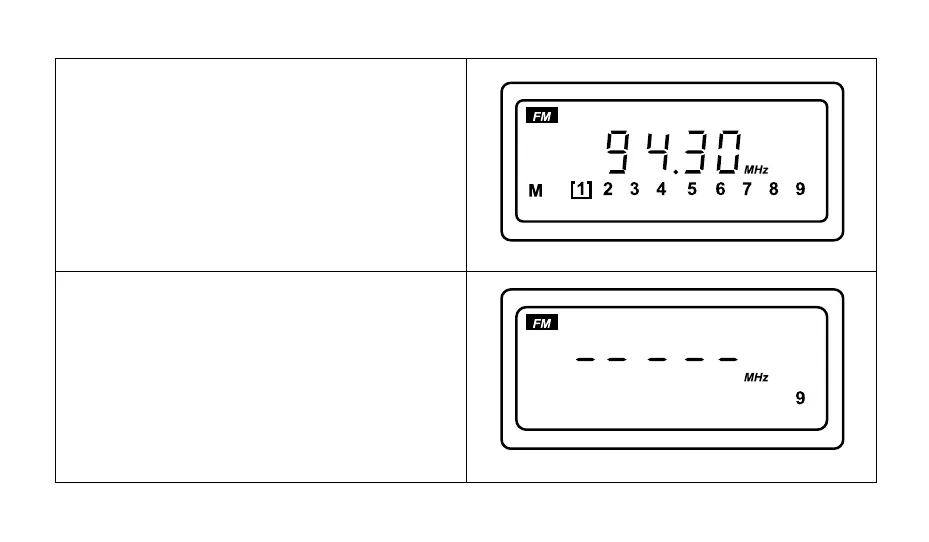
4. After scanning is complete, a beep will be heard. The
display will show "M [1]" and the station with the strong-
est signal for your area will be selected.
5. If during ATS operation no stations are found the dis-
play will show "- - - - -" for 2 seconds before returning
to the last frequency used prior to commencement of
ATS operation.



 To Next Page