If you need any further advice, please call our Technical Helpline on :-
0181 758 0338 (Mon-Fri)
51
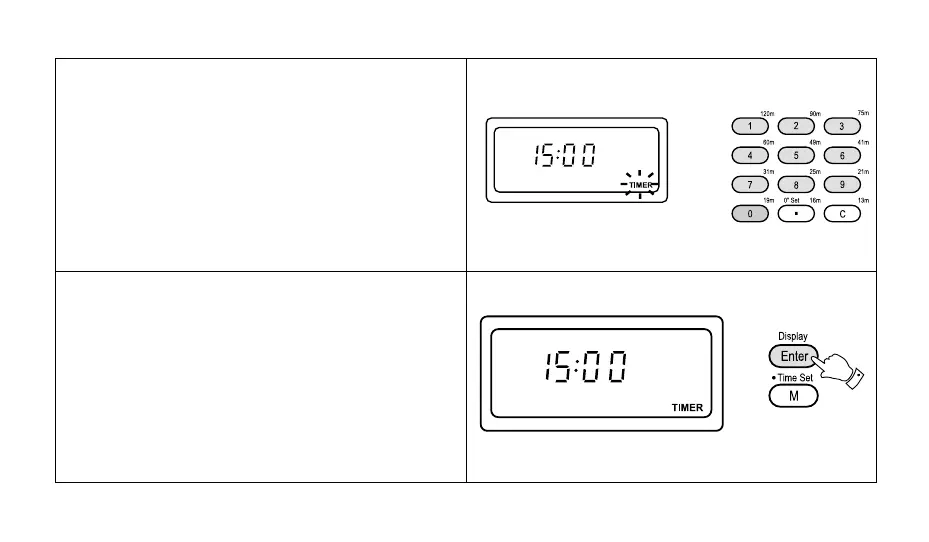
3. Enter the required time in hours and minutes (max 23
hours and 59 minutes) using the numbered buttons.
e.g. to enter 1 hour and 30 minutes, press the buttons
marked [1], [3], [0].
4. Press the "Enter" button, "Timer" in the display will
stop flashing indicating that the count down timer has
been set. After approximately 5 seconds the display
will revert to showing real time.



 To Next Page