If you need any further advice, please call our Technical Helpline on :-
020 8758 0338 (Mon-Fri during office hours)
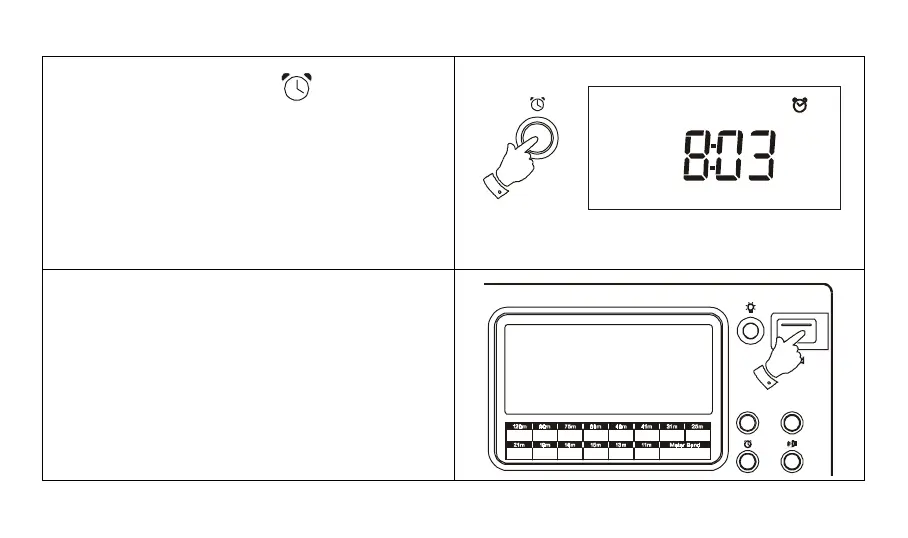
5. To cancel the alarm, press the button the display
will show the previously set alarm time, press the C
button to complete alarm cancellation.
Note:
1. When the alarm is sounding, press the Power button
to turn off the alarm for 24 hours.
2. The HWS alarm will play for one hour if not turned off
by pushing the Power button.
Power
Display
Shortwave Bands
3.200
3.400
2.300
2.495
3.900
4.000
4.750
5.060
5.900
6.200
7.1 0 0
7. 35 0
9.400
9.990
11.60 0
12.100
15 .10 0
15 .8 0 0
13.50 0
13.87 0
17.48 0
17.90 0
18 .9 0 0
19 .0 2 0
21 .4 5 0
21 .7 5 0
25.600
26.100
Freq (MH z)
Mode
Alarm
43



 To Next Page