30
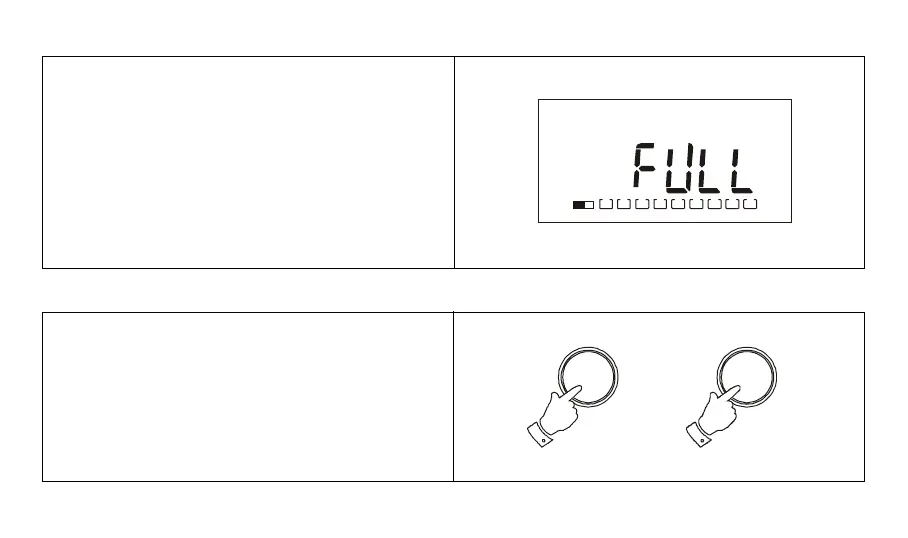
Note: If all the preset memory locations are full, pushing
the M button will cause the display to show FULL. If you
still want to store a new station press any numbered
button for more than 2 seconds, the new station will be
stored in the selected memory location, the original station
in this location will be cancelled.
1. Tune to the desired frequency using one of the
previously described tuning methods. Press the M
button and then hold down the required memory preset
button for more than 2 seconds.
e.g. to overwrite memory preset 7, tune to the required
station, press M then press and hold down numbered
button 7 for more than 2 seconds.
Overwriting a station in preset memory
2
M
123456789
M 7



 To Next Page