If you need any further advice, please call our Technical Helpline on :-
020 8758 0338 (Mon-Fri)
38
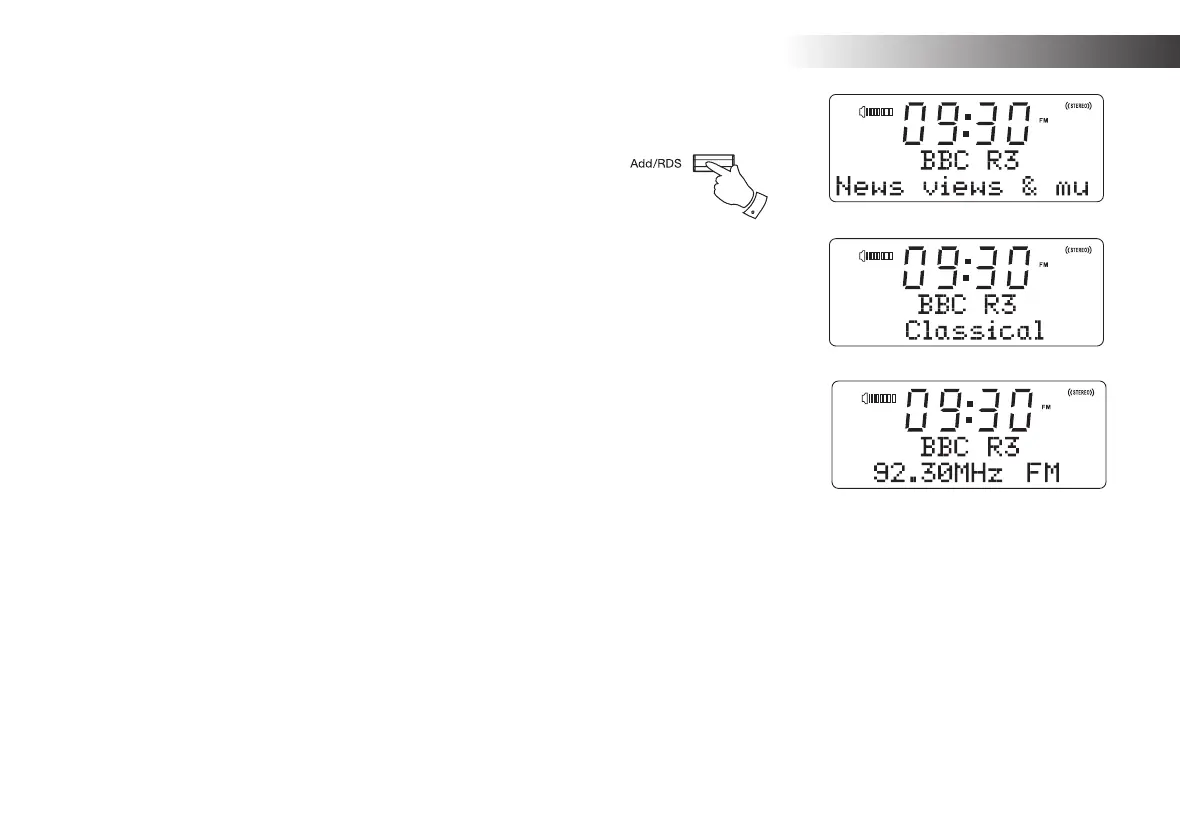
Display modes - FM
Your radio has a range of display options when in FM mode:-
1. Press the RDS button to cycle through the different options.
a. Text Displays text messages such as the
artist or track name, phone in number,
traffi c alerts, etc.
b. Program Type Displays the type of station being listened
to such as Pop, Classic, News etc.
c. Frequency Displays the frequency of the FM signal.
Note: If no RDS information is available, then the radio will only be able to
display the frequency. There will be no text or programme type information
available under these conditions.
The radio only provides displays when there is information available. So
if there is no text, for example, that display is not available.
1
FM Radio











 To Next Page