7
After the weekend schedule is complete, the display will show the
weekend schedule. Continue the same steps to program the four
weekend setting
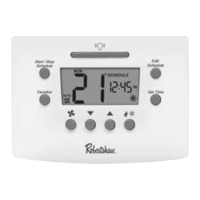
When finished press START/STOP SCHEDULE or wait 30 seconds and
the thermostat will return to operation.
Changing the User Settings
When and are pressed at the same time the thermostat will
display the current settings in order.
To change any setting:
When the setting is visible and flashing press the or
arrows to adjust the number on the screen.
To exit the changes and save:
Press START/STOP SCHEDULE. The thermostat will return
to operation.
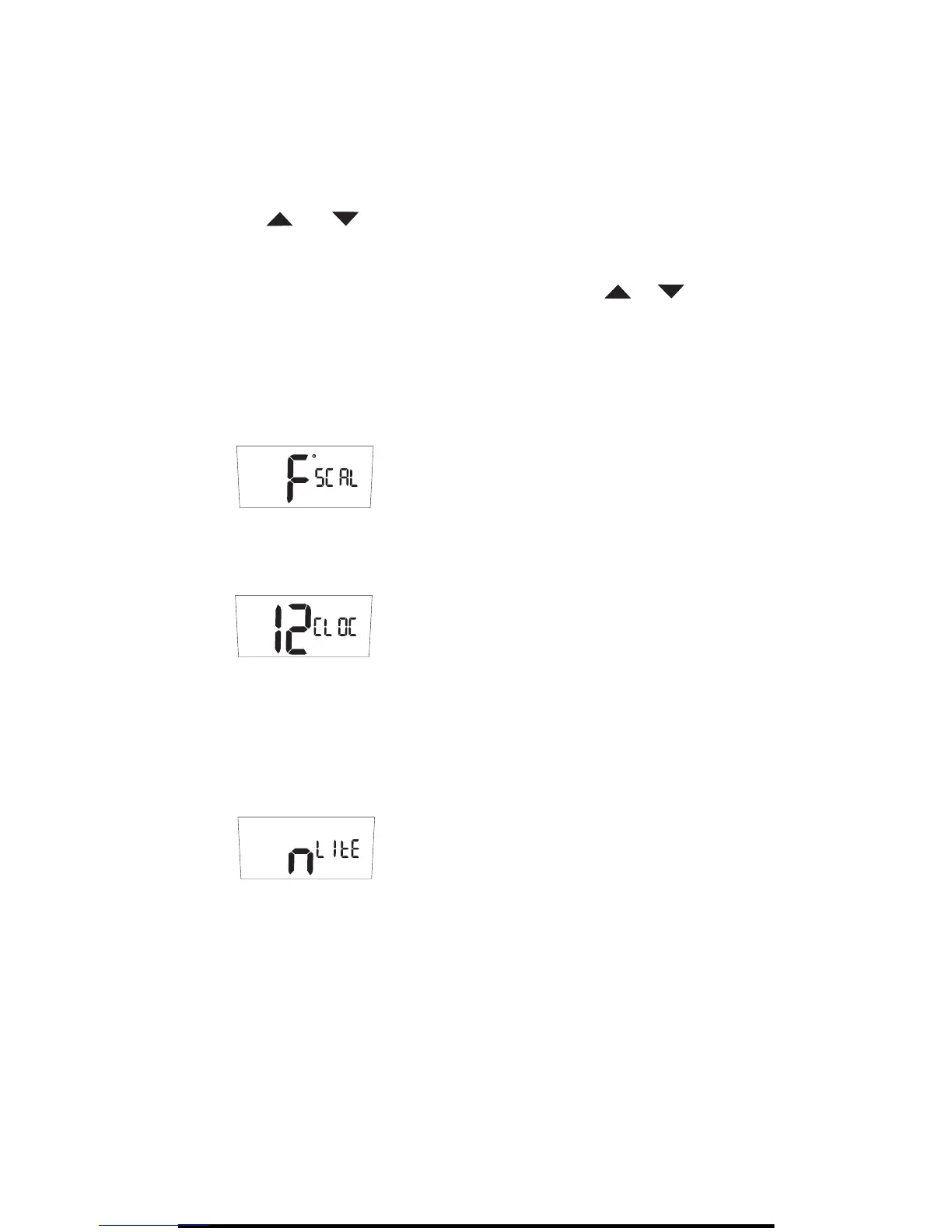
SCAL = Scale in °F (Fahrenheit) or °C (Celsius).
CLOC = Set clock to 12 or 24 hour format.
LITE = Display backlight always on ”y” or off ”n”. Also called the
nightlight feature. If the thermostat has been wired with 24V AC
(R and C terminals) then this feature will be displayed and the
setting can be changed.



 To Next Page
 Loading...