1
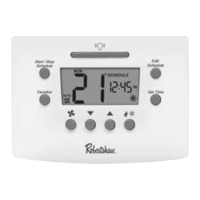
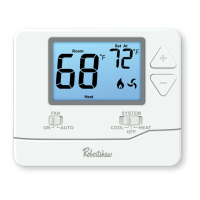
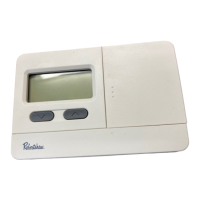
Thank you for purchasing a Robertshaw RS5000 programmable
thermostat. This user’s manual will guide you through the setup of the
RS5110 single stage and the RS5220 two stage thermostats. The
thermostat should already be mounted and correctly wired. The default
settings will enable the thermostat to operate efficiently. Before making
any changes to the schedule read the section on Default Settings.
Features
• Pop-Up Wizard
• Automatic changeover
• Circulating Fan
• Worry-Free memory retention
• Easy change battery
• Large back lit display
• Filter change reminder
• Low battery indicator
• Fahrenheit and Celsius displays
• EnergyStar™ compliant
• Dual power
• Adjustable 1st stage temperature differential: 0.5 °F to 3.0 °F (0.5 °C
to 1.5 °C)
• Accuracy within ±1 °F
• Universal staging on multi-stage units
• Automatic heating shutdown if temperature exceeds 99 °F (37 °C)
• Keypad security lockout
• 4 events per day for heating and cooling
• 5-2 day scheduling
• User settable Hi and Lo temperature limits
• Vacation setpoint override



 To Next Page

 General