5
Setup
Unpack the Accessory Kit
Unpacktheaccessorykitfromthebag,andremovethe
plasticpackagingThekitconsistsof
• Low-sidetankadapter
• Calibrationweight
• Vacuumpumpoil,oilllercap,andtube
• Plasticpouchcontainingawarrantycard(tobe
completedandmailed),applicableMSDSsheets,a
servicecenterlisting,andanenvelopeofMobileAir
ConditioningSociety(MACS)information
Important: You must complete and mail the
MVAC Certication Form, and your technicians
must be certied with the Environmental
Protection Agency (EPA) to operate this
equipment.
Power Up the Unit
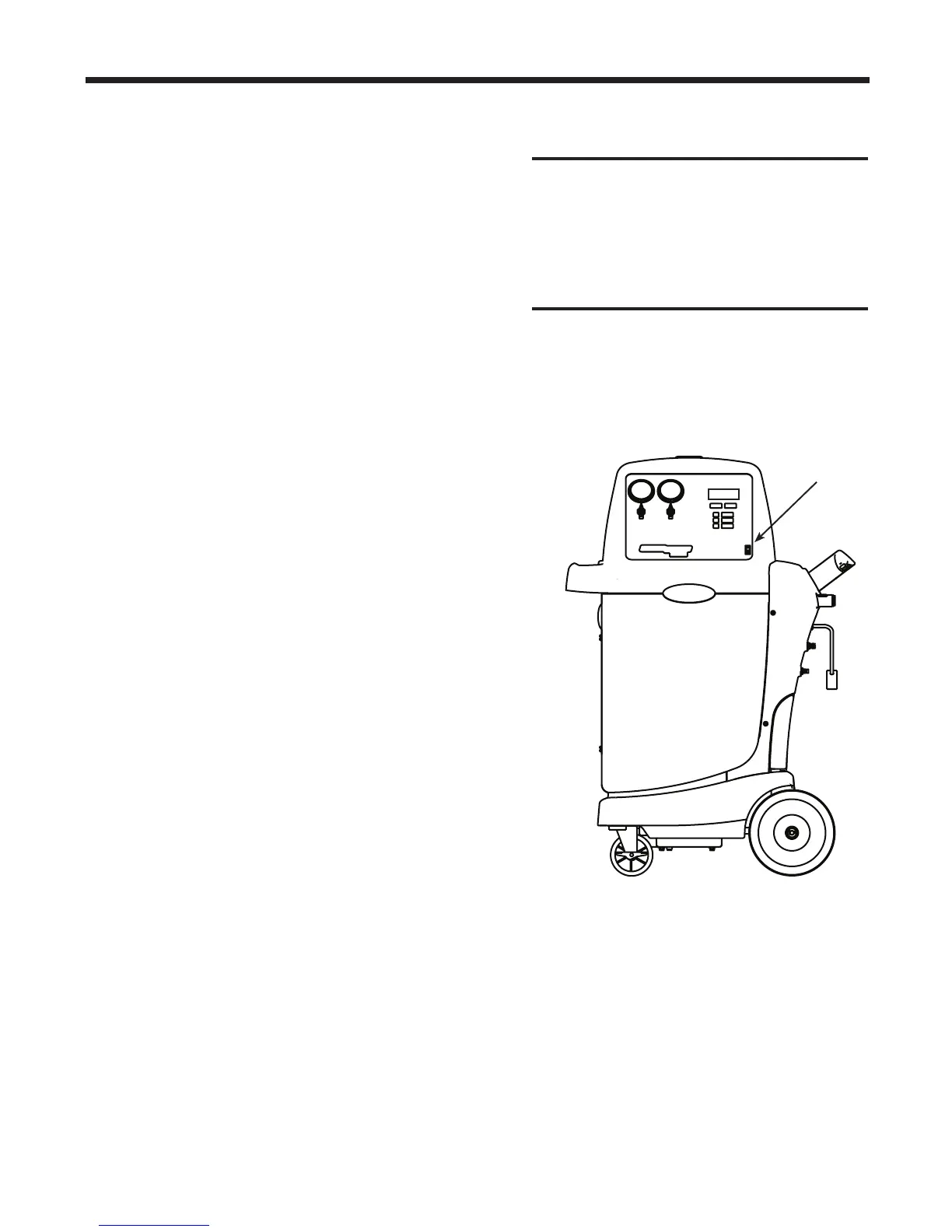
1 Unwindthepowercordfromthehandle,andplugit
intoacorrectvoltageoutletSeeFigure1
2 TurnonthemainpowerswitchThersttimethe
unitispoweredup,itdisplaystheinitialsetupmode
Select a Language – English
Seleccionar Idioma – Espanol
Selection Langue – Francais
Theoperatormaychoosetohavepromptsdisplayedin
oneofthreelanguages:English,Spanish,orFrench
1
UsetheUPorDOWNarrowkeytotogglethrough
thechoicesforEnglish,Spanish,orFrench
2
PressSTART / YEStoselectthedisplayedlanguage
Select Operating Units
Theoperatormaychoosetohavetestresultsdisplayed
inImperial(lb,orlbandoz)orMetric(kg)units
1 UsetheUPorDOWNarrowkeytotogglethrough
choicesforIMPERIALUNITSorMETRICUNITS
2 PressSTART / YEStoselectthedisplayed
operatingunitchoice
IMPORTANT :
R-134a systems have
special ttings (per SAE specications)
to avoid cross-contamination with R-12
systems. DO NOT adapt your unit for a
different refrigerant — system failure
will result.
Power
Cord
Main
Power Switch
Figure 1



 To Next Page