Robo Support Documentation, Release 0.1.0
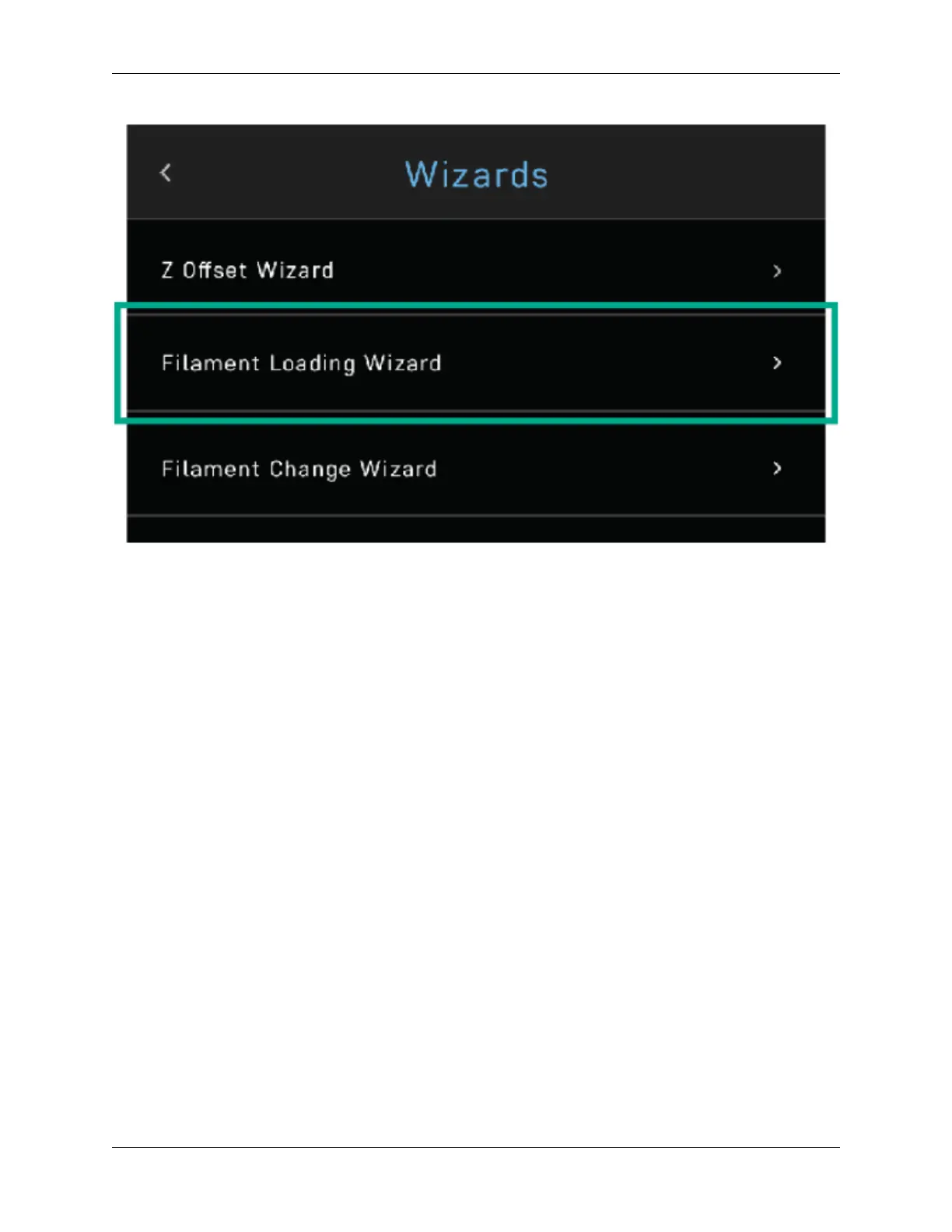
And then follow the on-screen prompts, which will include:
• Heating up the printer
• Ensuring you’ve cut off the tip of the filament
• Having the filament feed through until you see it coming from the nozzle
• Pressing NEXT, and
• Pressing FINISHED
3.1.6 Calibration and setting Z offset
Next you’ll want to calibrate Robo C2 by selecting UTILITIES on the touch screen, and then select WIZARDS from
the list.
3.1. Getting Started 19


 To Next Page