Robo Support Documentation, Release 0.1.0
3.1 Getting Started
3.1.1 What’s in the box
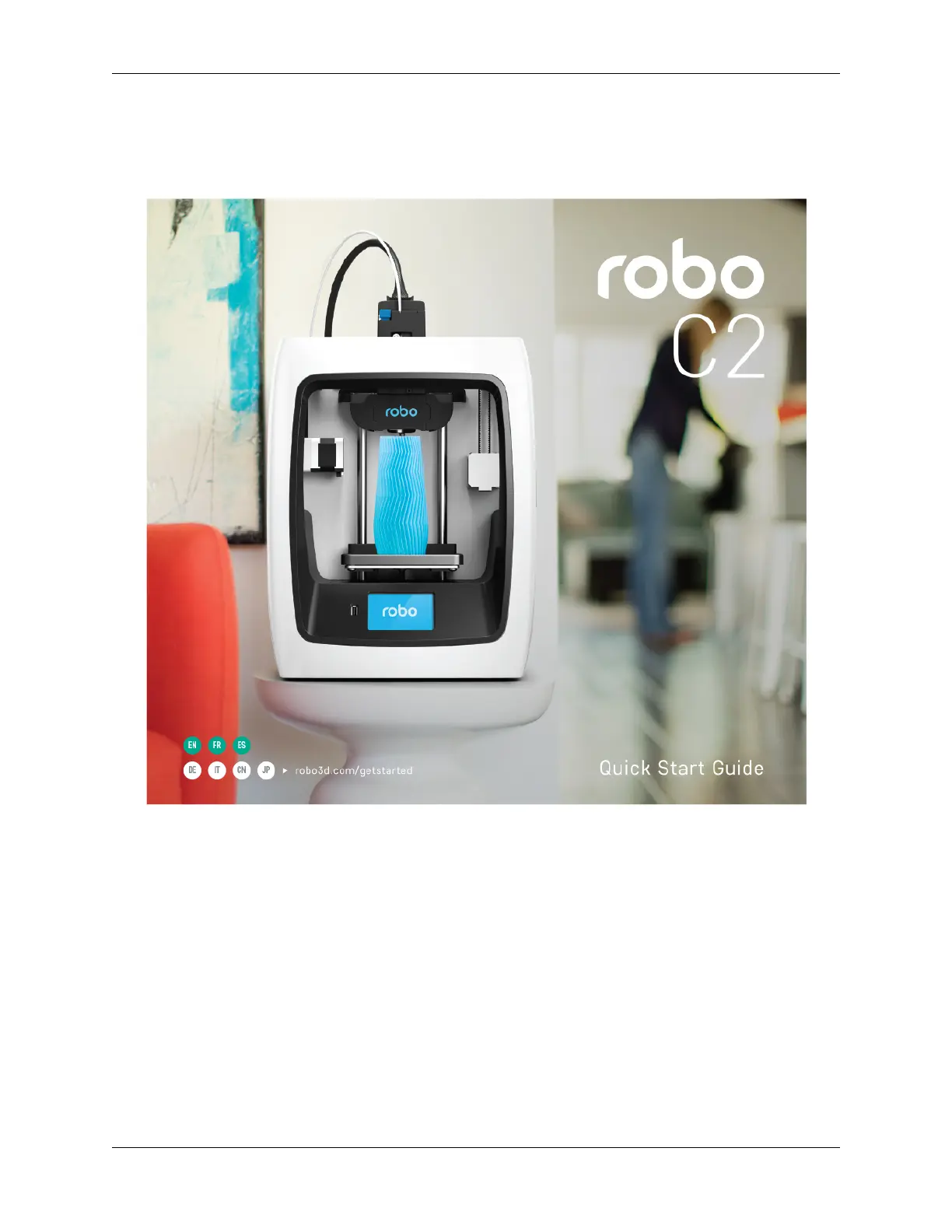
Your Robo C2 comes with everything you need to start printing right out of the box. And the inclusions box inside the
printer has everything you need to perform basic maintenance, plus free professional-grade Autodesk design software,
and a multi-language Quick Start Guide.
Top of box
1. Quick Start Guide
2. Autodesk Fusion 360 design software free 1-year voucher
3. 9 print bed tape covers (with 1 already applied to your print bed).
4. Robo stickers to place EVERYWHERE.
8 Chapter 3. Logging into your Robo account


 To Next Page