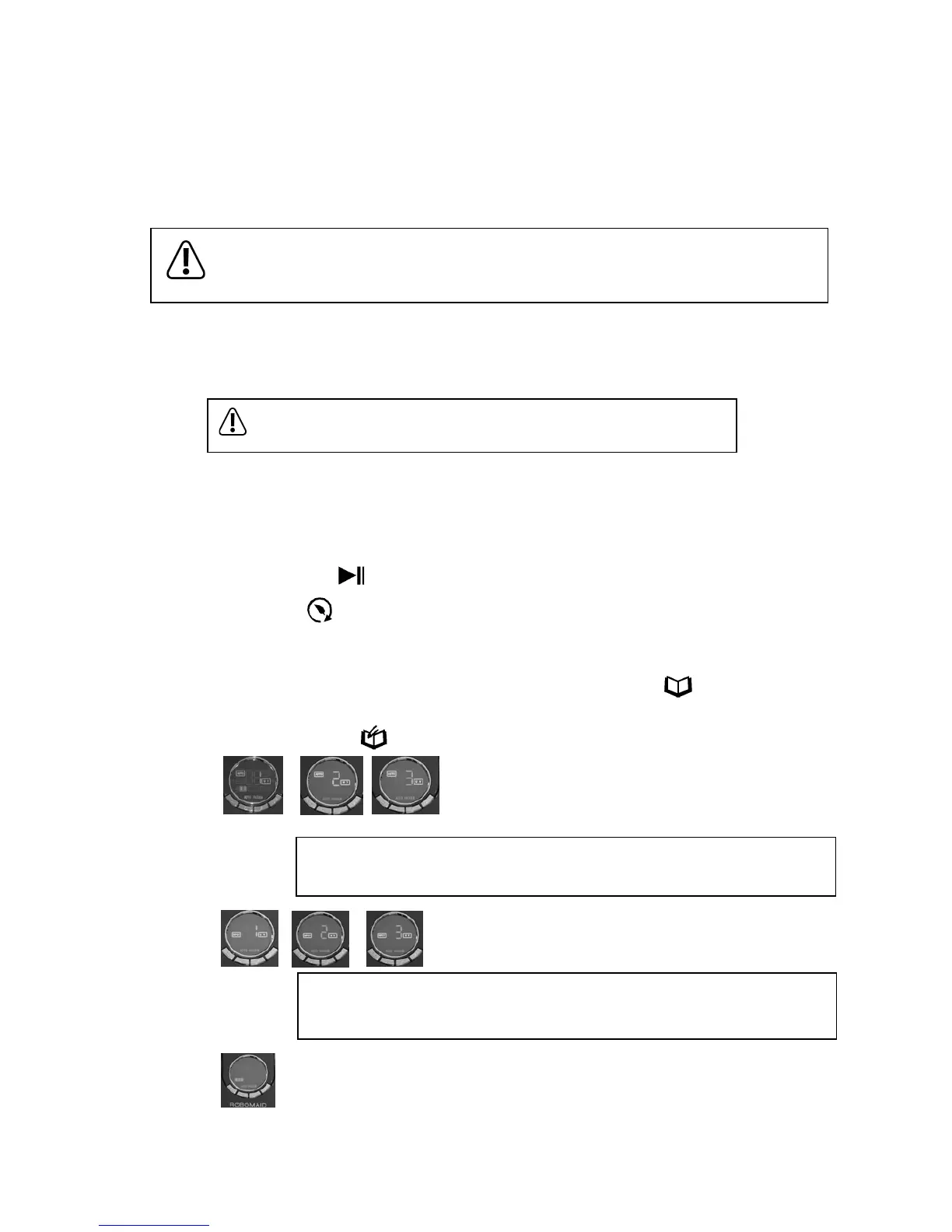
- In standby mode with the Robomaid switched ON, press the mode button “ ” to select betwen
AUTO, SPOT, and DOCKING as shown by the corresponding indicator.
- Press the select button “ ” to select between 1, 2 and 3 secondary modes.
How to use the Robomaid RM-770 Control Panel:
AUTO Modes:
1 – The Robomaid will run until the battery is fully used and then enter Docking Mode.
2 – The Robomaid will run for 30 minutes and then stop.
3 – The Robomaid will run for 15 minutes and then stop.
SPOT Modes:
1 – Robomaid RM-770 will clean in a spiral (working for 1-4 minutes).
2 – Robomaid RM-770 will clean in a zig-zag pattern (working for 1-4 minutes).
3 – Robomaid RM-770 will follow the walls (working for approx. 10 minutes).
DOCKING: This will start the Robomaid in Docking Mode. (See page 5)
The UV icon will light up if the UV light is on. Press once to turn on and press again to turn o.
- The UV button “ ” allows you to turn the UV lamp on or o during the cleaning. (The UV lamp is on by default)
- The Activate button “ ” will start the selected mode (the default mode is AUTO 1).
- The Robomaid must be switched ON to be activated.
- Once activated, the Robomaid will start cleaning int he selected cleaning mode (AUTO 1 is the default mode)
- The number of minutes the Robomaid is cleaning for will be shown during the cleaning process on the display.
Operating the Robomaid
- If the Robomaid detects a place with a lot of dirt or debris, the DIRTY icon on the display will
light up and the Robomaid RM-770 will increase the cleaning intensity in that area.
Please ensure all wires and other loose objects are removed from the Robomaid’s path as
loose cables, carpet fringes that are longer than 3-4cm, and other long, exible objects may get
tangled in the main brush.
- There are several ways to activate the Robomaid to start cleaning:
Remote Control (See page 8)
Timer (See page 9)
Control Panel on the Robomaid (See below)
- The Robomaid may be activated from Standby Mode or Charging Mode from the Docking Station.
- The Control Panel can be used to select the Mode or Secondary Mode of the Robomaid and activate the
Robomaid.
The running time of the Robomaid will vary based on several things including
ooring surface, initial charging time, frequency of use, furniture and room layout.


 To Next Page