68 69
Manual Operation is used when you want to start a mowing operation,
regardless of the mowing schedule.
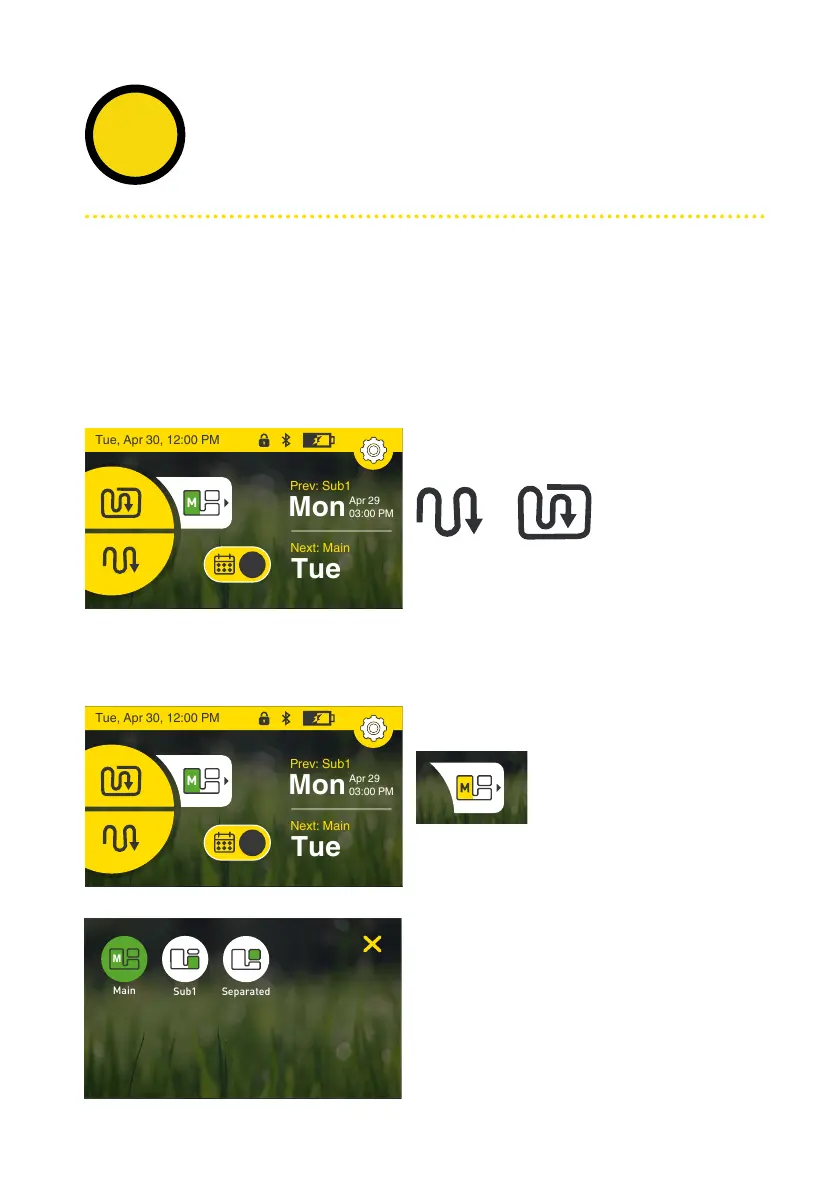
Choose between the two operation modes
Edge+Mow or Mow
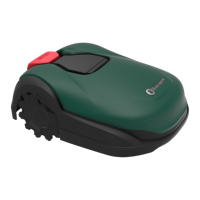
Select
the zone you want the mower to mow by
tapping the select zone icon.
Select
zone, then tap the scan mode.
Note: Edge mode is not available for Sub-zones
Edge + MowMow
Manual Operation with or without edging
To initiate Manual Operation:
Select zone
Manual
operation
4
Tue, Apr 30, 12:00 PM
Apr 29
03:00 PM
Prev: Sub1
Mon
Next: Main
Tue
M
Tue, Apr 30, 12:00 PM
Apr 29
03:00 PM
Prev: Sub1
Mon
Next: Main
Tue
M


 To Next Page