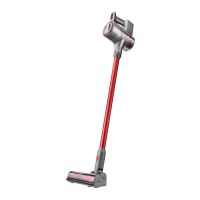
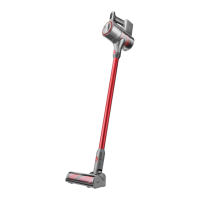
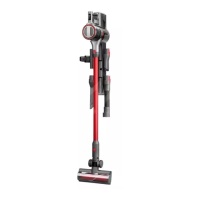
Vacuum
Product introduction
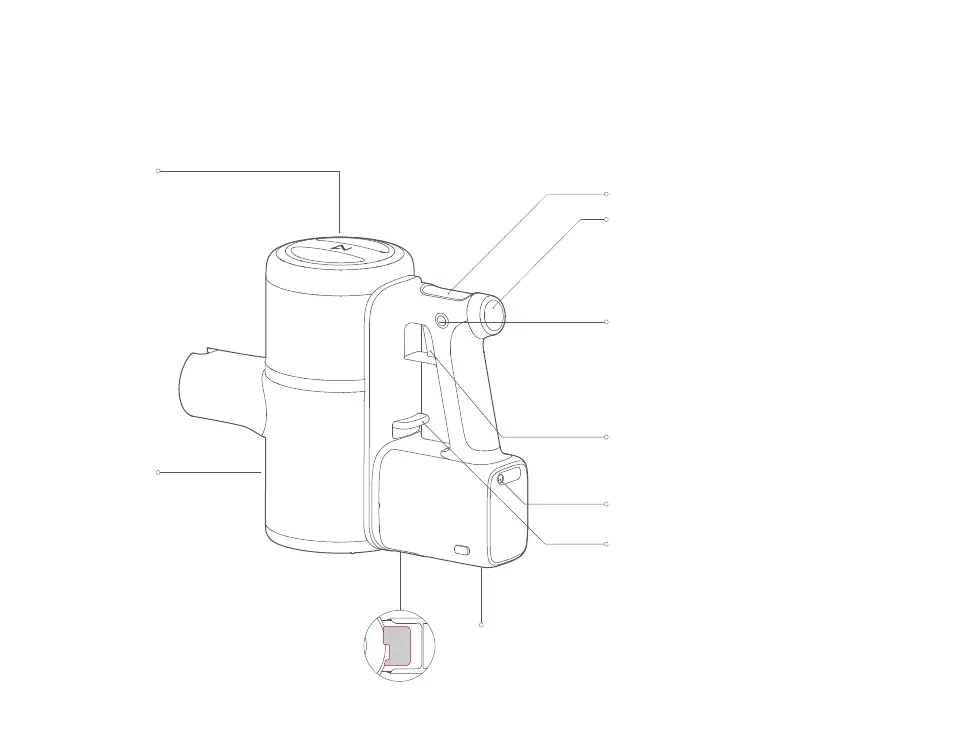
Rear Filter
Dustbin
Dustbin Removal Latch Charging Contacts
Charging Port
Emptying Latch
Mode Button
Screen
• Press the Mode button to change vacuum
mode
* In MAX mode, the fan will run at full speed. Battery life
will shorten and hot air may be emitted.
Sustain Button
• Squeeze the Trigger to start vacuuming. Press
the Sustain button with the Trigger squeezed to
enter Sustain mode.
* Pressing the Sustain button for 2 seconds in any mode will
stop the vacuum.
• Press the Emptying Latch down to empty the
dustbin. The dustbin should be emptied
aftereach use.
Trigger
• Squeeze to turn on
• Release to turn off.


 To Next Page