34
Product Overview
A
A1
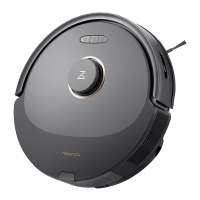
Robot(TopView)
A2
Robot(BottomView)
A5
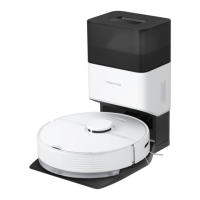
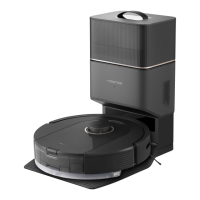
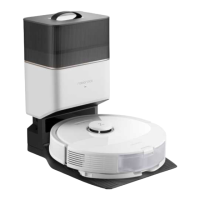
ChargingDock
A5-1—Power Indicator
A5-2—Location Beacon
A5-3—Charging Contacts
A5-4—Power Port
A5-5—Electrode Brushes
A3
Robot(UpperCoverOpen)
A3-1—WiFi Indicator Light
A6
PowerCable
A7
AdjustableWaterTank
A7-1—Water Tank Stopper
A7-2—Filter Components
A7-3—Water tank
A7-4—Water Tank Latch
A7-5—Flow Control
A8
MopCloth
A8-1—Mop Cloth
A8-2—Hook and Loop Pads
A9
Moisture-ProofMat
A2-1—Wall Sensor
A2-2—Cli Sensors
A2-3—Omni-Directional Wheel
A2-4—Charging Contacts
A2-5—Side Brush
A2-6—Main Wheel
A2-7—Main Brush
A2-8—Main Brush Cover Latches
Note: Press any button to stop the robot during cleaning or
docking.
A1-1—Bumper
A1-2—LiDAR Sensor
A1-3—Cover Opener
A1-4—Dock Locator
•
O: WiFi disabled
•
Flashing slowly: Waiting for connection
•
Flashing quickly: Connecting
•
Steady: Connected
•
Press to return to dock
•
Press and hold to start spot cleaning
—Docking/Spot Cleaning
•
Press and hold to turn the robot on
or o
•
Press to start cleaning
—Power/Clean
•
White: Battery level
≥
20%
•
Red: Battery level < 20%
•
Pulsing: Charging or starting up
•
Flashing red: Error
—Power Indicator
A4
Dustbin
A4-1—Dustbin Latch
A4-2—Washable Filter
A3-2—Reset Button
A3-3—Air Outlet
Installation
B
ImportantInformation


 To Next Page