016
Mopping the oor
Note: To prevent excessive buildup of dirt on the mop, oors should be vacuumed at
least three times before the rst mopping cycle.
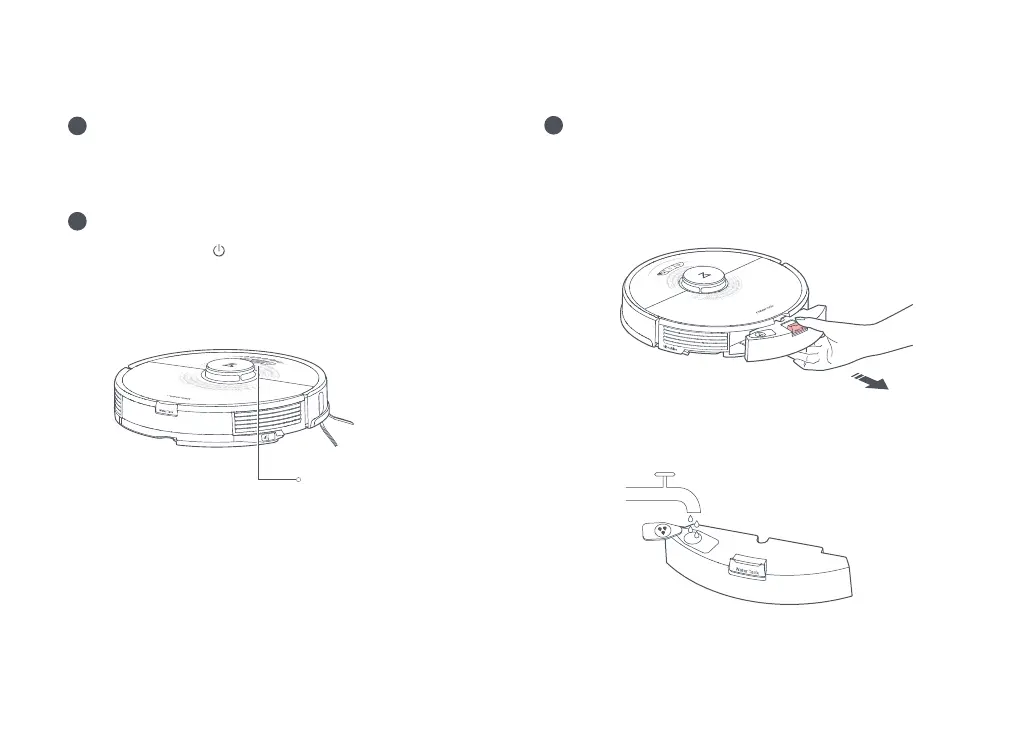
1. Remove the water tank
2. Fill the water tank
Release the water tank latch and slide the tank backward.
Open the water tank, ll it with water, and close it tightly.
Note:
•
Fill with water only. Cleaning uids and/or disinfectants may corrode the water tank.
•
Use cold/room temperature water only. Hot water may cause water tank deformation.
3
Power on and charge the robot
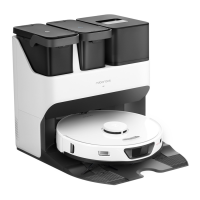
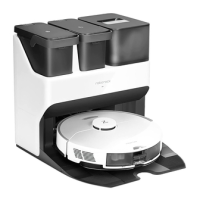
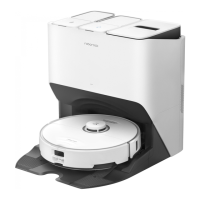
For details on how to use the dock,
please refer to Roborock Auto-Empty
Dock User Manual.
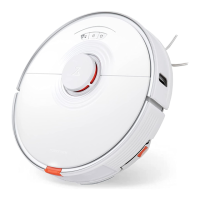
Press and hold the button to power on the robot. When
the power light goes on, place it on the dock to charge. To
maintain the performance of the high-performance lithium-ion
rechargeable battery pack, keep the robot charged.
Note: The robot may not turn on when the battery is low. In this case, place the robot
directly onto the dock to charge.
2
1
The power indicator color
indicates the battery level:
•
White: Battery level
≥
20%
•
Red: Battery level < 20%
Installation





 To Next Page