4) Reading the Controller Display
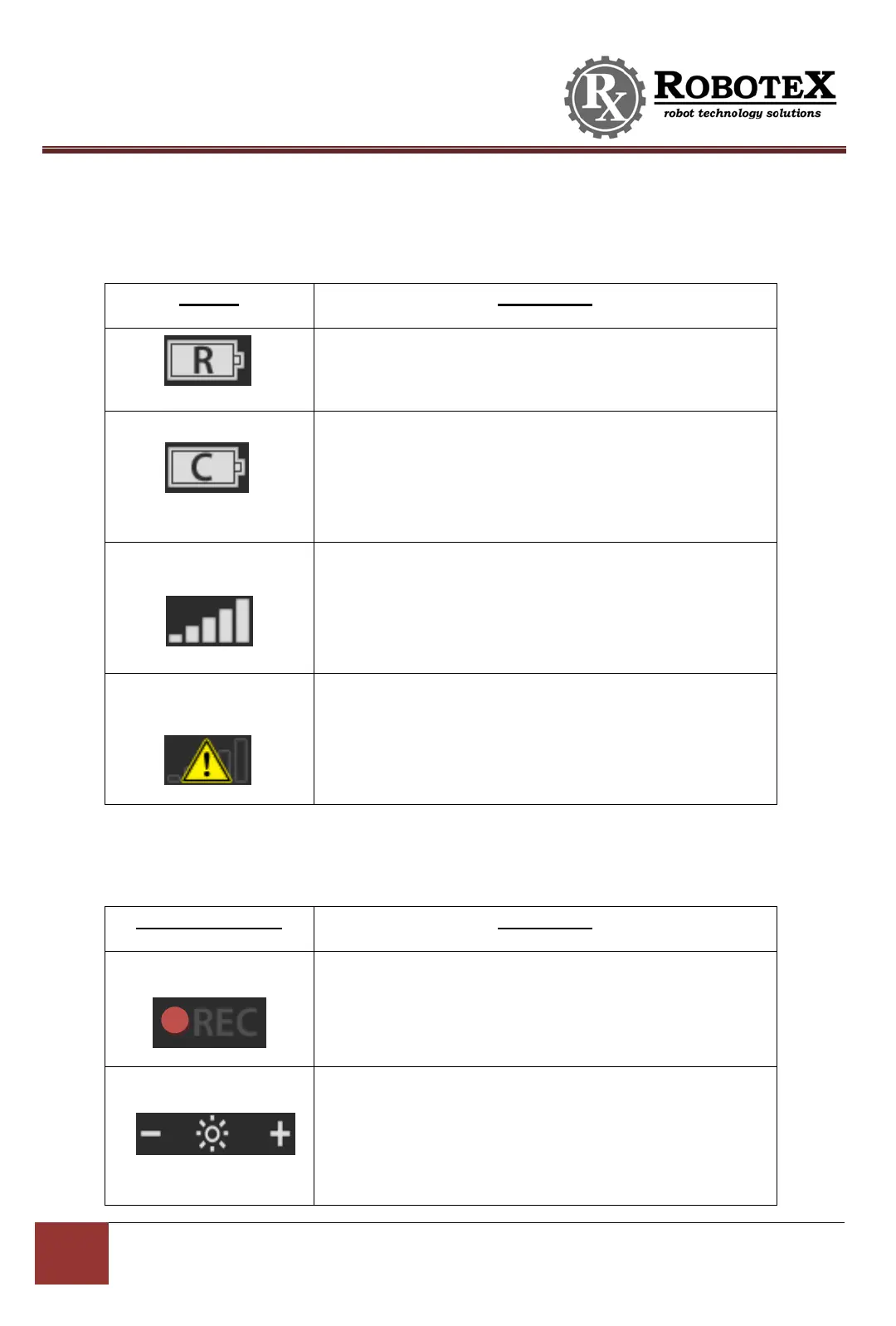
The following icons will be displayed on the Avatar II’s controller screen:
Location: Bottom right of the screen
Purpose: Indicates charge level of the robot battery.
Location: Bottom right of the screen
Purpose: Indicates charge level of the controller
battery. (Note: This will show a charging plug icon if
the Controller is plugged into wall outlet).
Location: Bottom right of the screen
Purpose: Indicates the wireless signal strength
between the controller and robot. This will show an
“X” mark when there is no connection.
Location: Bottom right of the screen
Purpose: Replaces normal signal strength icon and
indicates that the controller is having radio problems.
Cycle the power on and off to fix.
RoboteX Avatar® II’s on-screen display also features a touchscreen. The following
touchscreen buttons can be used to control the Avatar® II:
Location: Bottom left of the screen
When pressed: Activates the Avatar® II’s audio and
video recording capability.
Location: Bottom center of the screen
Pressing “—“ sign: Decreases brightness of the screen
Pressing “+” sign: Increases brightness of the screen


 To Next Page