17
Avatar®IIIUserManualRevD12/2015
Note:Audiolevelintherecordingiscontrolledbythelevelofaudioonthecontrollers.
Also,iftheaudiolevelisturnedon,thevideowillrecordtheaudiofromrobotto
controllerbydefault.IfthePush‐to‐Talkbuttonispressed,allaudioinrangeofthe
controllerwillberecorded.
VideoRetrieving
1) InsertaUSBflashdriveintocontroller’sUSBport(USB2.0formattedinFAT32).Note:
16GBsizerecommended.
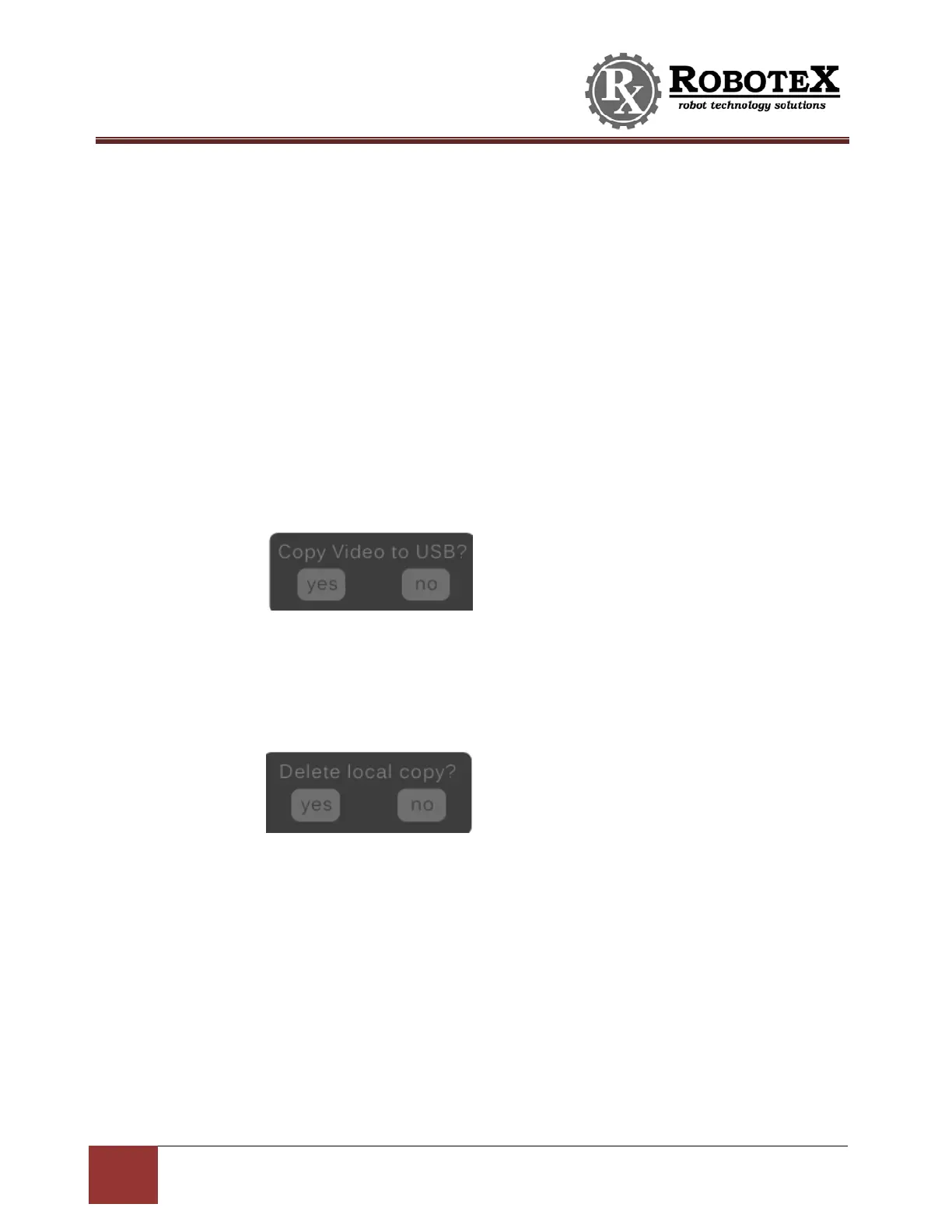
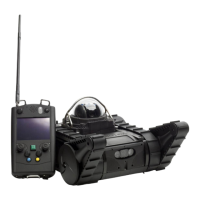
2) Followpromptsonscreen.Youwillseetwoprompts,oneaftertheother.
a. “CopyVideotoUSB?”–Promptsyoutotransferthevideofilesfromthe
controller’sinternalmemorytotheUSBstick.Hit“yes”totransferor“no”
tosavetransferforlaterdate.
b. “Deletelocalbackup?”–Asksifyouwanttoclearthecontroller’sinternal
memory.Hit“yes”toclearand“no”tokeepvideostoredinternallyfor
transferatalaterdate.NOTE:Itisrecommendedyoudeletelocalbackup
aftereachtimeyoutransfervideotoaUSBstick.
3) Followtheonscreenpromptsandwaitforvideotransfertocomplete.Removethe
USBflashdrivewhenprompted.
4) VideofilesarenowontheUSBflashdrive.PlugtheUSBflashdriveintoacomputer
toviewordownloadthevideofiles.
5) Anyrecordedvideolessthan
6minuteslongwillhaveanindividualfile.Ifthevideois
longerthan6minutes,itwillbedividedinto6‐minutesegmentsandstoredas
multiplefiles.Theremaybeaminimal(uptoonesecond)lossasitchangesfromone
segmenttothenext.Thevideofileswillhaveanameformatsuchas‘vid‐00010‐002’,
where00010indicatesthisisthe10
th
videorecording,and002meansitisthesecond
sectionofthe10
th
videorecording.


 To Next Page