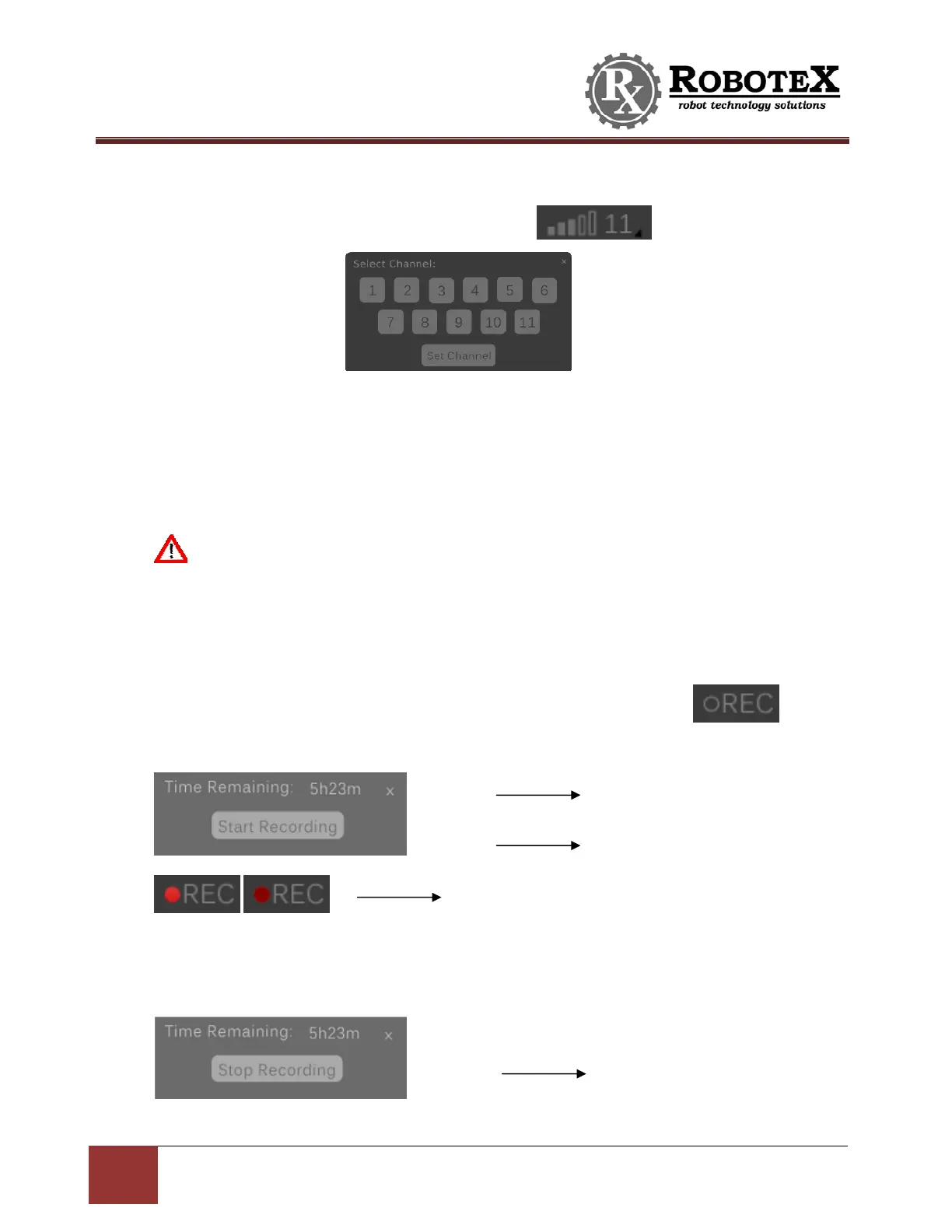
16
Avatar®IIIUserManualRevD12/2015
ChannelSelection–Locatedatthetopleftofthescreen.
ToactivatetheChannelSelectioncapability,press anditwillpromptthe
followingbox:
Firstselectthechanneltobesetto,andthenpressthe‘SetChannel’button.Changing
channelscantakeupto1minutedependingonthesignalstrengthandsurrounding
condition.Ifthechannelisnotswitchedsuccessfully,itwillautomaticallyreturnto
the
defaultchannelwhichcantakeupto2minutes.
Thenumbernexttothesignalstrengthbarsindicatesthecurrentchannel.
NOTE:IFYOUHAVEA900MHZRADIO,ITWILLONLYWORKONCHANNELS3,5,
AND7(5USUALLYWORKSTHEBEST).DONOTSELECTTHEOTHERCHANNELSASTHE
PERFORMANCEWILLBEPOORONTHESECHANNELS.
VideoRecording
ToactivatetheAvatar®III’saudioandvideorecordingcapability,press andit
willpromptthefollowingbox:
Press‘REC’againtoprompttheboxforstoppingtherecording:
Showingamounto
time
remainin
forrecordin
Presstostartrecording
Thedotflashingdarkandlightred
indicatin
recordin
in
ro
ress
Presstostoprecording


 To Next Page