22
Avatar®IIIUserManualRevD12/2015
Troubleshooting
MAKESURETHEROBOTANDCONTROLLERAREBOTHPOWEREDOFFBEFOREREMOVING
ORINSTALLINGANYCOMPONENTSORACCESSORIES.
ImproperassemblyandsetupmaycausetheAvatar®IIItomalfunction.Ensurethat
thefollowingpartsareconnectedtightlyandsecurely:
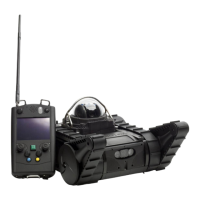
ControllerAntenna
Battery(doorisclosed)
IftheAvatar®IIIisstillnotfunctioningproperly,trythefollowing:
Turnoffthecontroller.
Powerthecontrollerbackon.
Removeandreinserttherobotbattery,ensuringthattheconnectorsalign.
Iftherebootstilldoesnotsolvetheproblem,pleaserefertothefollowinglistof
commonproblemsandsolutions.Ifproblemspersist,pleasecontactCustomer
SupportoryourAccountManager.
A. Therobothasrangeorsignalstrengthproblems(ex.lessthan50yardslineof
sight)orwillnotconnecttothecontroller.
1:Strongradiodevicesintheareamayberunningatthesamefrequenciesthat
therobotuses.Somehouseswithstuccoandwiremesharedifficulttopenetrate
with
radiosignals.Trymovingclosertotherobotormovingawayfrompossible
sourcesofradiointerference.
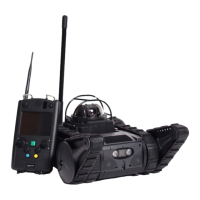
2:Trytokeeptherobotwithitsantennarightsideup.Iftherobothastipped
overitwillloseasignificantamountofrange.Insomecases,therangecan
becut
to10‐15%ofnormal.Itcanusuallyberightedbymanipulatingtheflippers.
3:Holdthecontrollerasuprightaspossible.Thecontrollerantennashouldbekept
perpendiculartothegroundformaximumrangeandsignalstrength.
4:Othernon‐RoboteXrobotsmaycauseinterference.TrymovingtheAvatar®III
awayfromtheotherrobot.


 To Next Page