15
Avatar®IIIUserManualRevD12/2015
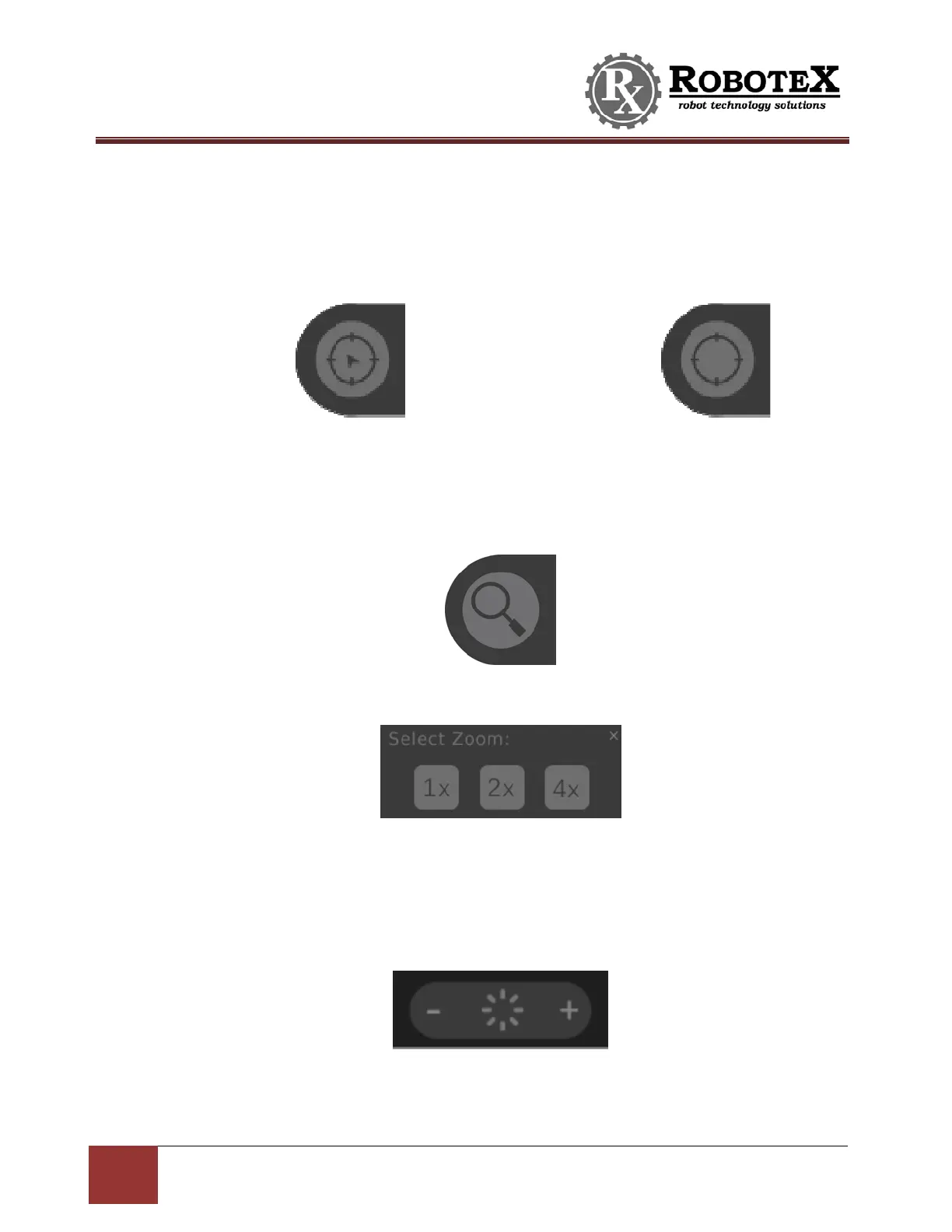
PositionIndicatorMode–Locatedontherightofthescreen.Thisbuttonisonly
visibleifmenubuttonsareturnedon.
Presstoshow/hidethepositionindicators(flippersandPTZorArmiftheyareonthe
robot).
DigitalZoom‐
Locatedontherightofthescreen.Thisbuttonisonlyvisibleifmenu
buttonsareturnedon.
Pressingthisbuttonpopsupawindowtochoose1x,2x,or4xzoom.1xisnormalvi ew.
ScreenBrightness–
Locatedonthebottommiddleofthescreen.
Tap‘+’or‘‐‘toadjustthebrightnessofthehandheldcontrollerscreen:
Position
Indicator(s)
On
Position
Indicator(s)
OFF


 To Next Page