14
Avatar®IIIUserManualRevD12/2015
B)TouchscreenControls
RoboteXAvatar®III’son‐screendisplayalsofeaturesatouchscreen.Thefollowing
touchscreenbuttonscanbeusedtocontroltheAvatar®III:
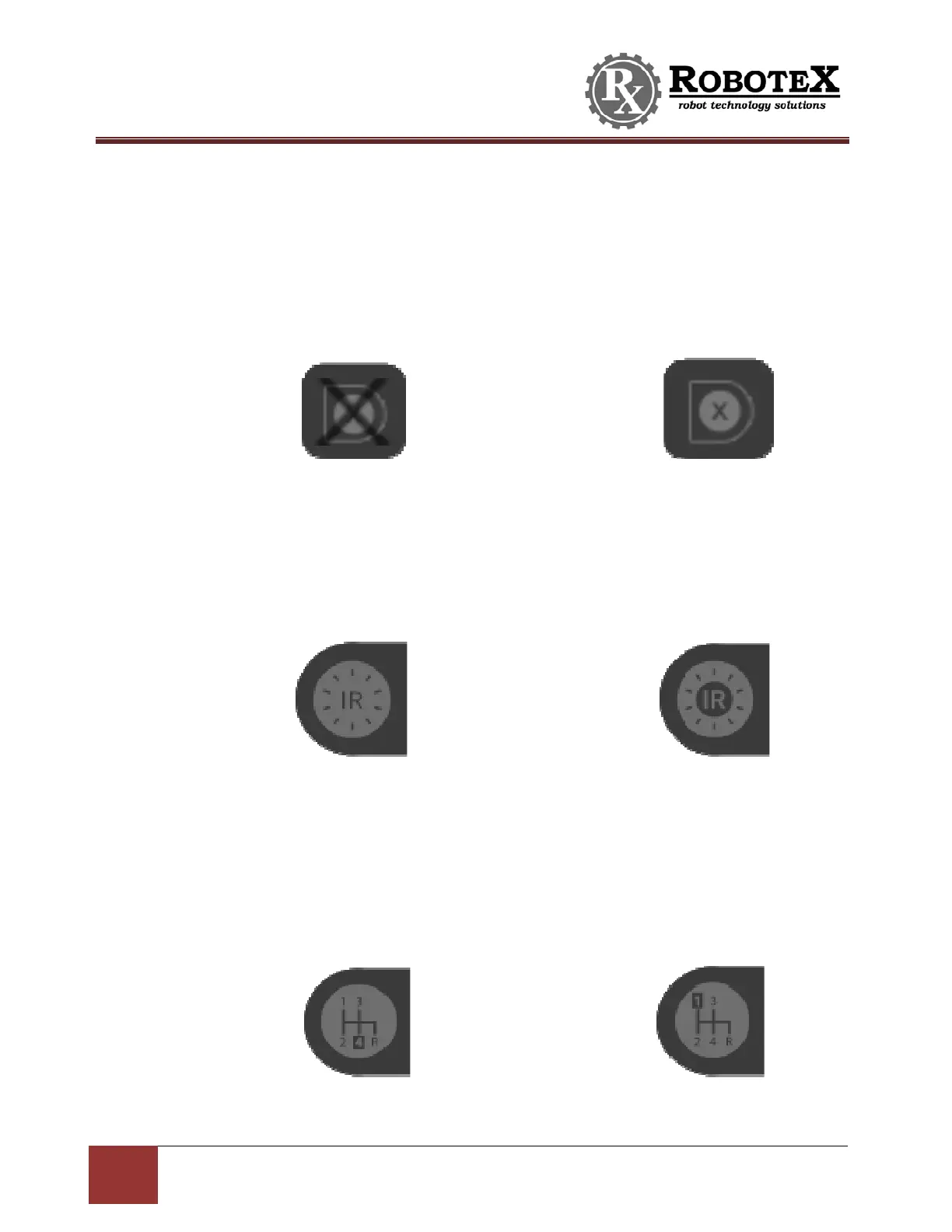
MenuButtonsON/OFF–Locatedonthebottomleftofthescreen.
Presstoshow/hidethemenu:
IRLightON/OFF‐
Locatedontherightofthescreen.Thisbuttonisonlyvisibleifmenu
buttonsareturnedon.
PresstoturnonandofftheIRLight:
HighSpeed/LowSpeedMode‐
Locatedontherightofthescreen.Thisbuttonisonly
visibleifmenubuttonsareturnedon.Highspeedistherobot’sdefaultspeed.The
optionalLowSpeedisrecommendedforclimbingstairs.
PresstoswitchbetweenrobotHighSpeedandLowSpeedmode:
IRLightOf
IRLightOn
HighSpeed
Mode
LowSpeed
Mode
MenuOn MenuOff


 To Next Page