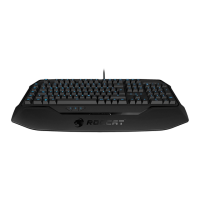
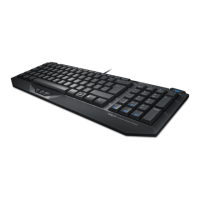
STANDARD
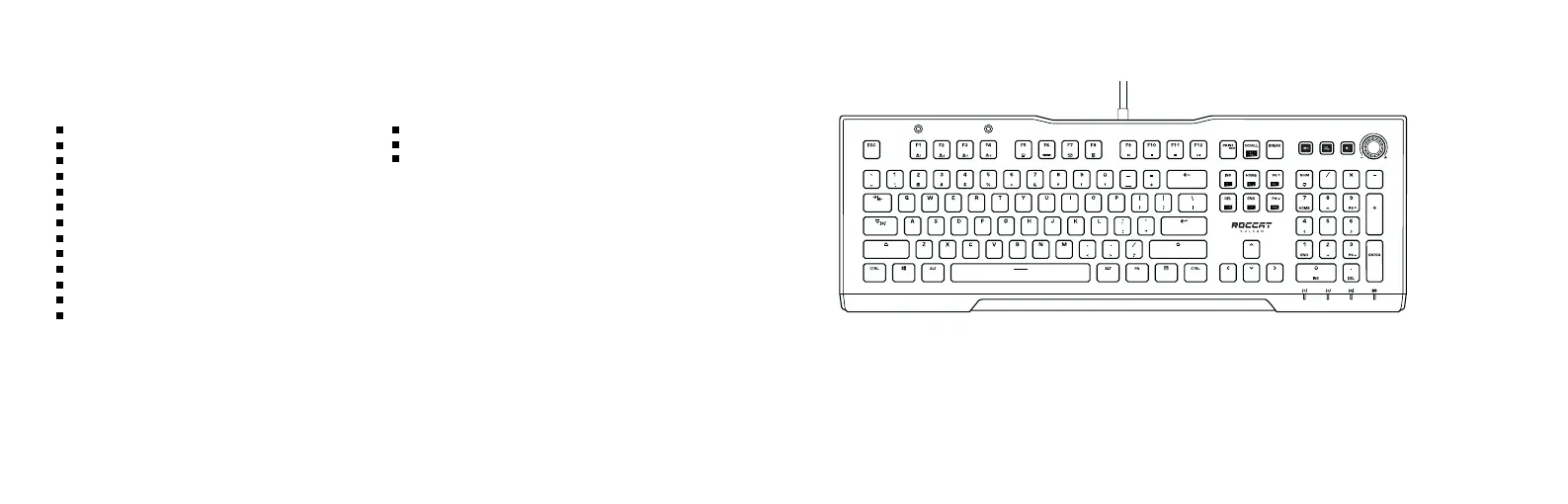
FN + F1-F4 = Switch profile
FN + F5 = Open File Explorer
FN + F6 = Open standard browser
FN + F7 = Open standard mail program
FN + F8 = Open calculator
FN + F9 = Media player: Previous track
FN + F10 = Media player: Stop
FN + F11 = Media player: Play/Pause
FN + F12 = Media player: Next track
FN + SCROLL = Switch Game Mode
Game Mode activates the M1-M6 macro keys
and deactivates the Windows Key.
ADDITIONAL FN-LAYER FUNCTIONALITY (PRESS FN-KEY + SECOND KEY)
(no driver installed)
Should you need assistance …
Our support team is ready to help you with any technical questions.
Just send an e-mail to support@roccat.org or visit our website at:
WWW.ROCCAT.ORG/SUPPORT
TECHNICAL FACTS
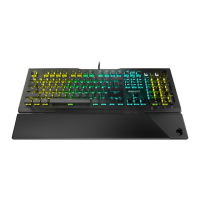
TECH SPECS VULCAN PRO
ROCCAT
®
Titan Switch Optical
1.4mm actuation point (red, linear)
100 million keystroke life-cycle
Removable ergonomic palm rest
Integrated macro & settings memory
6 programmable macro keys
ROCCAT
®
Easy-Shift[+] technology
32-bit ARM Cortex-M0 based processor
1,000Hz polling rate
ROCCAT
®
Swarm software suite
1.8m braided cable
Weight:
1,15 0 g
Dimensions:
462mm × 235mm × 32mm
SYSTEM REQUIREMENTS
Windows
®
7, 8 and 10 (software support)
USB 2.0 (or higher)
Internet connection (for driver software)


 To Next Page