FUZHOU ROCKCHIP ELECTRONIC CO.,LTD
Page 5 of 41
2 How to use dongle
Miracast(WFD) and DLNA/Airplay are running on the different WIFI working
models. Miracast’s connection is over WiFi direct and DLNA/Airpaly’s
connection is over WiFi softap(hotspot). These two WiFi working models are
not able to be concurrent. In this chapter, each features of the dongle will be
described first and then showing how to switch modes between two WiFi
working models.
2.1 Miracast(WFD)
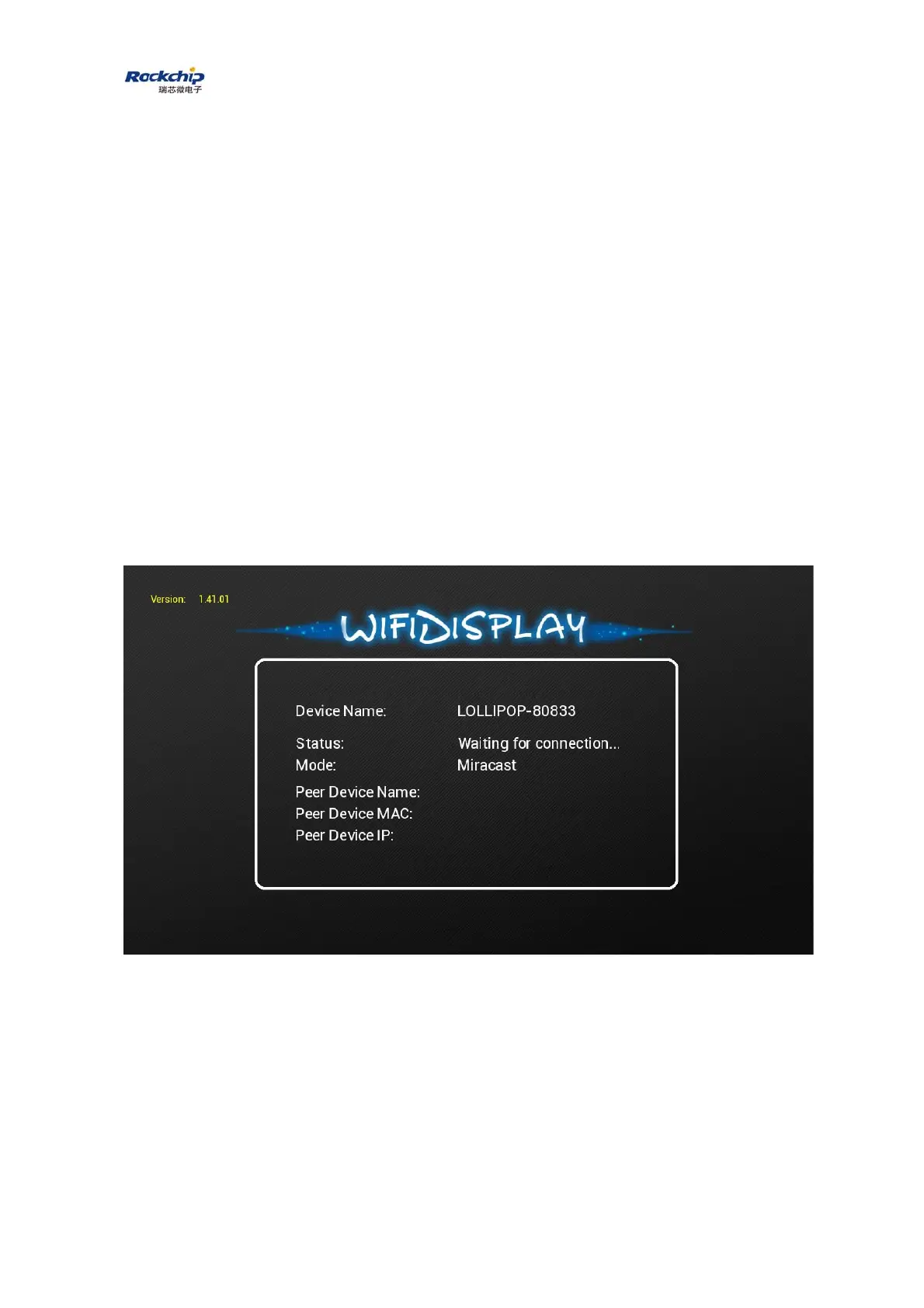
Power on the dongle and wait until the status “Waiting for connection...”
appears. Meanwhile, make a connection request from WFD source device, i.e.
mobile phone. About the operation on WFD source device, please refer to
chapter 3 for details. When connection between the mobile phone and the
dongle is established, WFD source device’s MAC address, IP address and



 To Next Page