FUZHOU ROCKCHIP ELECTRONIC CO.,LTD
Page 6 of 41
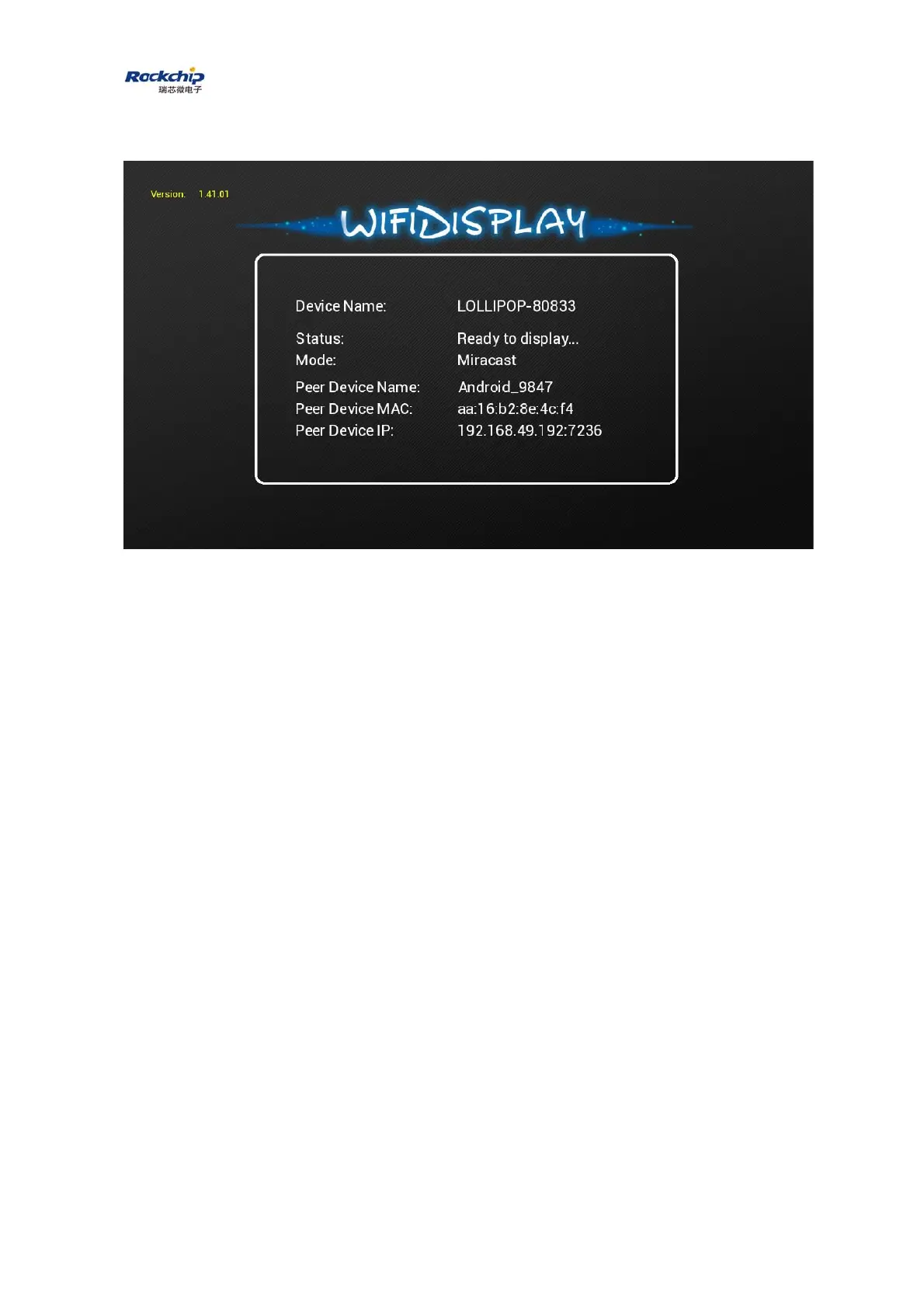
device Name will be shown on the screen as the picture below.
2.2 DLNA
1) Connect to dongle
Enable WiFi on the mobile phone/laptop/tablet, search for the AP with the
SSID named by dongle’s device name, for example, LOLLIPOP-80833.
Dongle is now working as a soft AP. So connect to the soft AP with the
default password 12345678.
2) Connect to Internet
Upon the connection between mobile/laptop/table and dongle is completed,
open web browser on the mobile phone/laptop/tablet and visit
http:\\192.168.49.1. What you will see is as below.



 To Next Page