FUZHOU ROCKCHIP ELECTRONIC CO.,LTD
Page 8 of 41
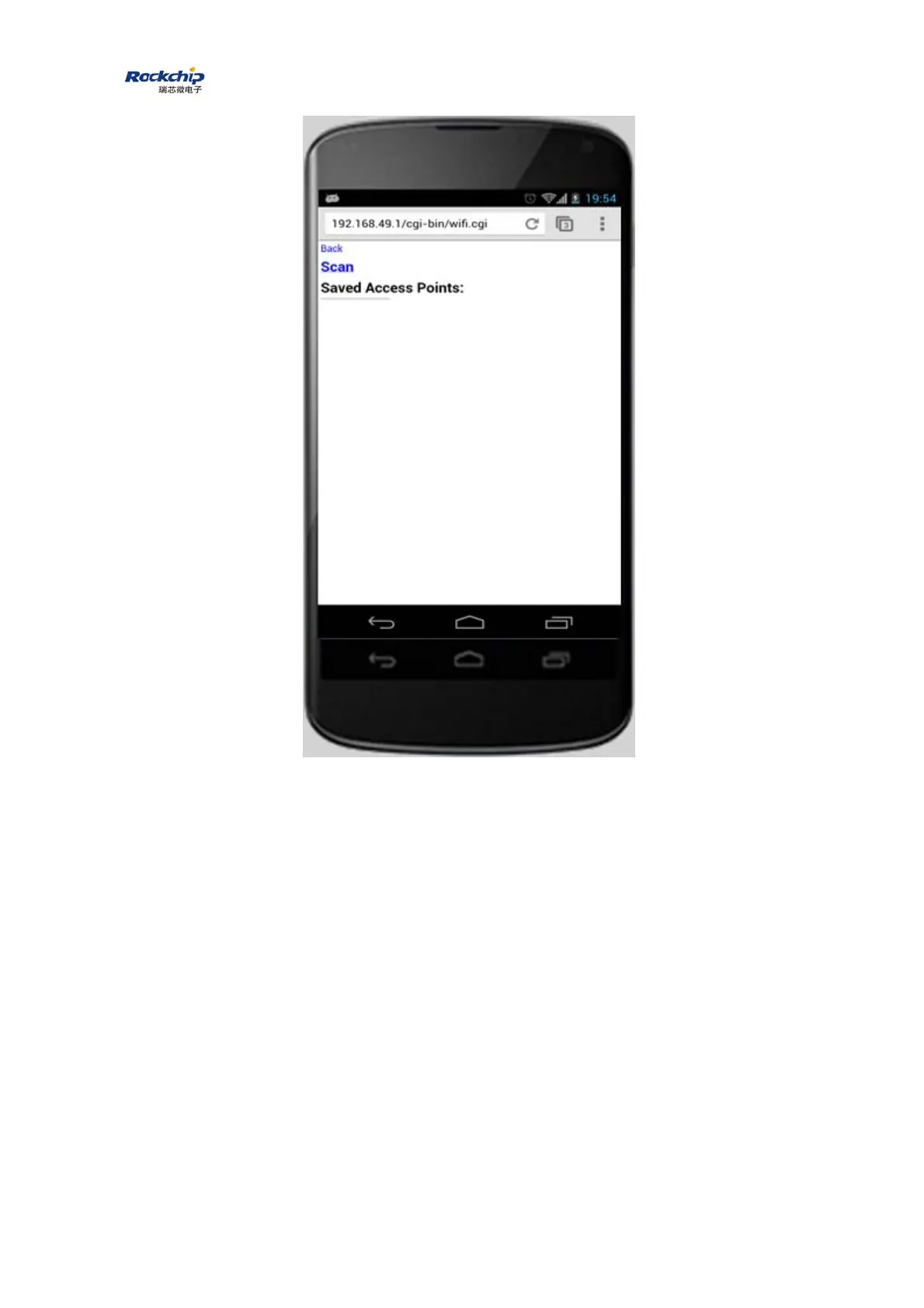
Touch “Scan” and follow the instructions to connect to a WiFi AP which is
able to access Internet through WAN. Please pay an attention that when the
connection between dongle and AP is established, the connection between
dongle and mobile phone/laptop/table may be disconnected. The reason is that
the connection channel between dongle and mobile phone is different from the
channel between dongle and AP. In this case, mobile phone/laptop/tablet
should be connected to dongle by soft AP again.



 To Next Page