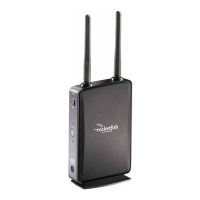
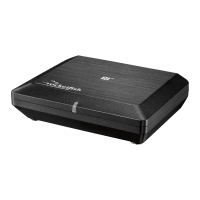
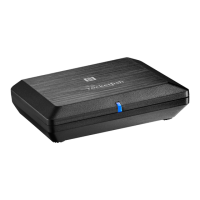
12
Setting up your wireless kit
General Setup
Caution: Interference is possible from other devices that operate in the same
frequency band. You may have to move the sender and/or receiver around a bit to
find an interference-free location. We recommend a distance of at least 18” from a
wireless router.
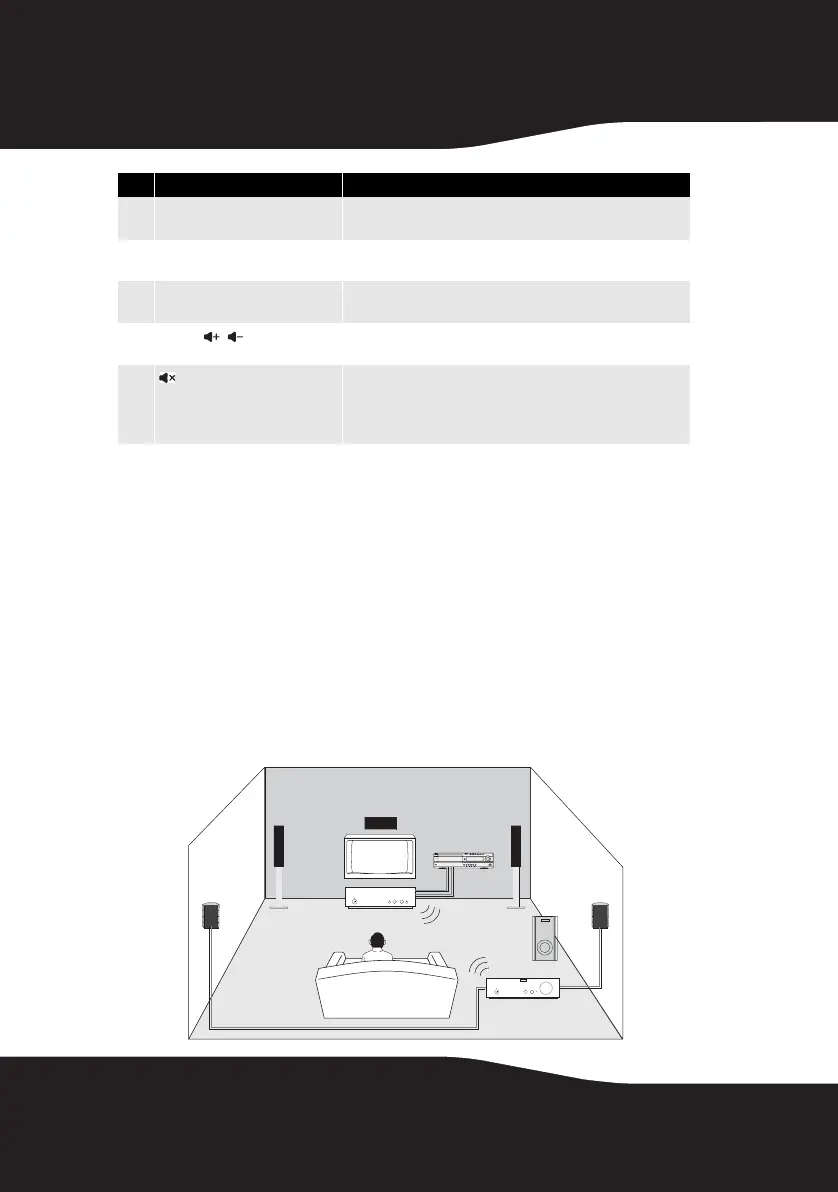
A few configurations are shown here to give ideas for your own
usage.
Building a 5.1-Channel Home Theater System
4
Next Source button Press to select the source from A or B or any other Rocketfish
transmitter in your system.
5
INPUT A Press to select between the audio source connecting SPEAKER
Input A or Pre-In A.
6
INPUT B Press to select between the audio source connecting SPEAKER
Input B or Pre-In B.
7
Volume buttons (stream)
Press to adjust the volume of all devices playing the stream
being received.
8
(mute - all)
Global mute - mutes all nodes in the system. Unmute will only
unmute all devices receiving the same audio stream. To
unmute others, press the Unmute button when pointing to a
device rendering the particular stream.
# Feature
/
Sender
Receiver
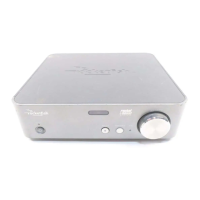
Amplifier
TV
RF-RBKIT_09-0473_MAN_ENG_V1.fm Page 12 Thursday, August 27, 2009 6:44 PM


 To Next Page