14
Using your wireless rear speaker kit
Establishing communications between the
wireless sender and wireless receiver
To turn on the System:
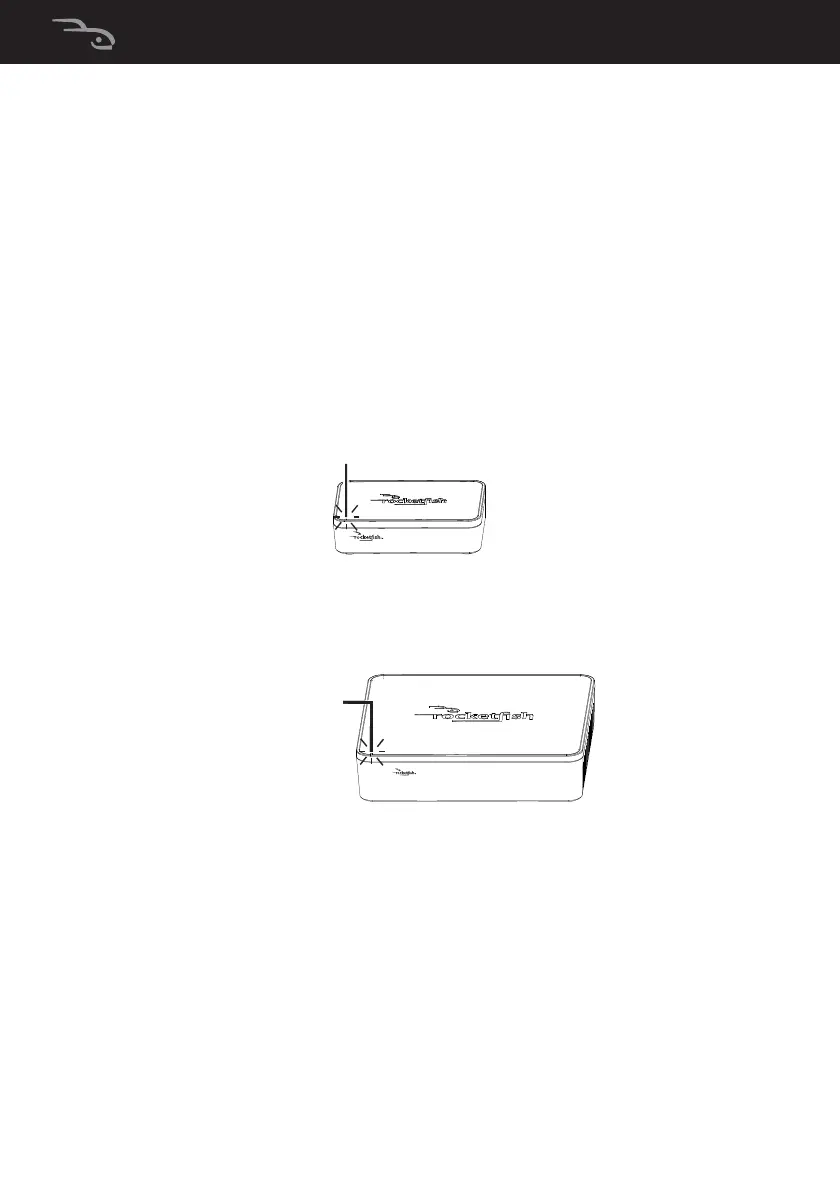
1 Turn on the power switch on the back panel of the wireless
sender. The LED indicator blinks to indicate that the wireless
sender is plugged in.
2 Turn on the power switch on the back panel of the wireless
receiver. The LED indicator blinks to indicate that the
wireless receiver is plugged in.
The wireless sender and wireless receiver were pre-paired at
the factory. When an active link is established between
them, the LED indicators turn solid.
Note: In case the indicators continue to blink after 30 seconds,
it means there is no active link between the wireless sender and
wireless receiver. Try to connect the system manually using the
CONNECT button. For more information, see
“Troubleshooting” on page 16.
RF-WHTIB_13-0050_MAN_V1_ENG.fm Page 14 Tuesday, March 26, 2013 11:51 AM


 To Next Page