NOTE: Continuously Variable Polar Pattern
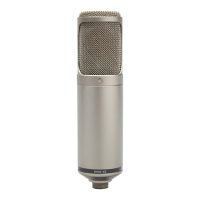
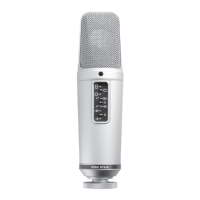
Your K2 can be adjusted to any Polar Pattern from omni, through cardioid to figure
of eight. This flexibility allows recording of most instruments and/or voices with
absolute control.
Select the preferred Polar Pattern. This is done with the circular dial (knob) on the
front of the K2’s Power Supply. (The most commonly used pattern for vocal
recording is Cardioid – dial in the 12o’clock position).
When the cardioid position is selected, the microphone picks up sound from in
front of the microphone, and rejects sound from the rear.
When in the omni position (fully anti-clockwise), the microphone picks up sound
from all around the microphone and there is less proximity effect than in cardioid
mode. (Proximity Effect is an increase in lower (bass) frequencies when the sound
source is ‘close’ to the microphone).The omni pattern is commonly used for room
(ambient) mic’ing or to record a more natural sound when close mic’ing instruments.
When in the Figure 8 position (fully clockwise), the microphone picks up sound from in
front and behind, and rejects sound from the other two sides. This pattern is commonly
used for interviews (2 people with the microphone between them) or in conjunction
with a cardioid microphone to use the MS (mid-side) stereo recording technique.
You are able to select any position between these three main settings.
For example, if you choose a setting about halfway between the omni and cardioid
positions, you will notice ‘some’ sound being picked up from the rear of the
microphone, instead of being almost completely rejected (in cardioid). This can be
particularly useful when you do in fact wish for ‘some’ sound from the rear, but not
so much as when in omni mode.
Experiment with the K2; listen to the various patterns, and decide what suits your
current application best.
7



 To Next Page