2
Before using the device
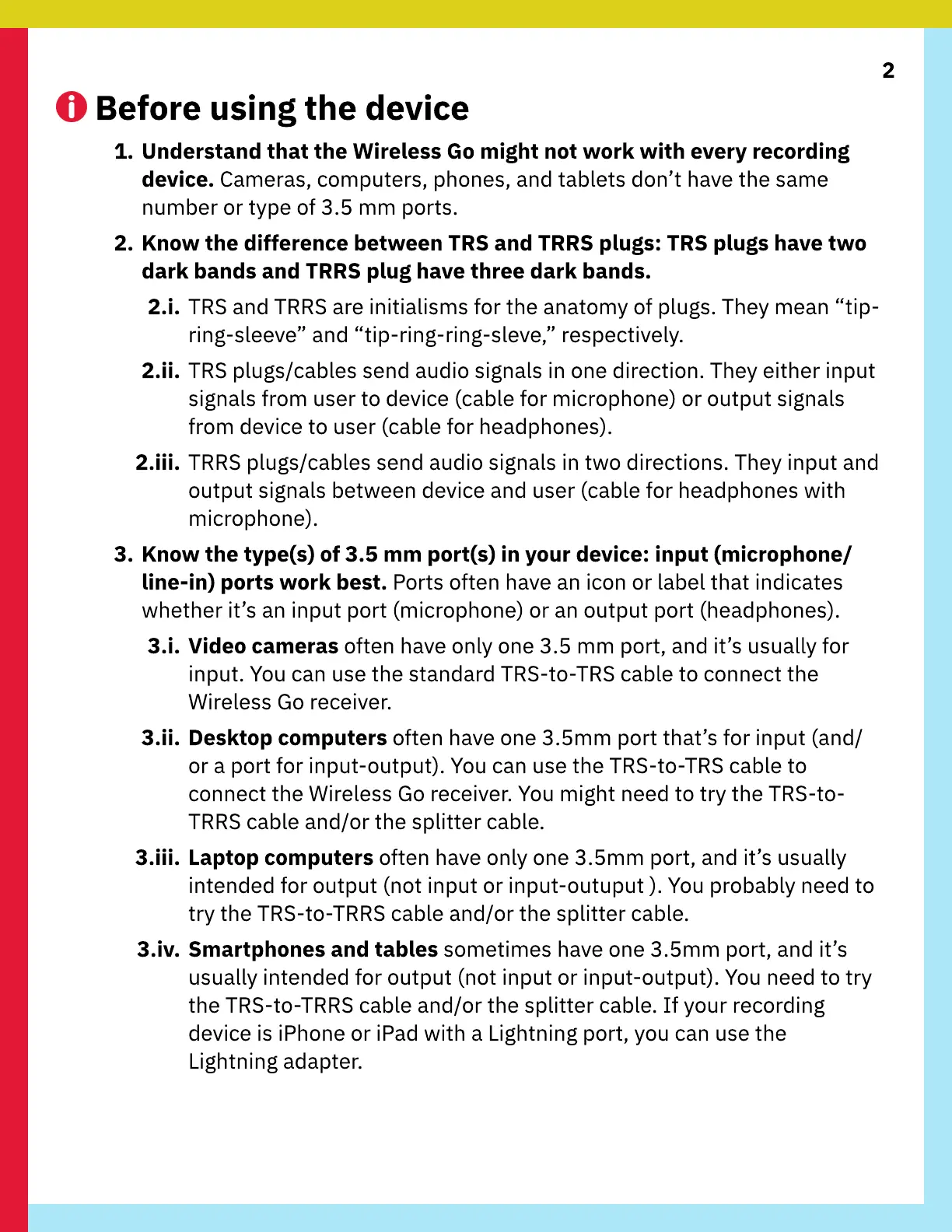
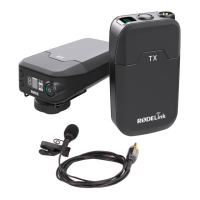
1. Understand that the Wireless Go might not work with every recording
device. Cameras, computers, phones, and tablets don’t have the same
number or type of 3.5 mm ports.
2. Know the difference between TRS and TRRS plugs: TRS plugs have two
dark bands and TRRS plug have three dark bands.
2.i. TRS and TRRS are initialisms for the anatomy of plugs. They mean “tip-
ring-sleeve” and “tip-ring-ring-sleve,” respectively.
2.ii. TRS plugs/cables send audio signals in one direction. They either input
signals from user to device (cable for microphone) or output signals
from device to user (cable for headphones).
2.iii. TRRS plugs/cables send audio signals in two directions. They input and
output signals between device and user (cable for headphones with
microphone).
3. Know the type(s) of 3.5 mm port(s) in your device: input (microphone/
line-in) ports work best. Ports often have an icon or label that indicates
whether it’s an input port (microphone) or an output port (headphones).
3.i.
V
ideo cameras often have only one 3.5 mm port, and it’s usually for
input.
Y
ou can use the standard TRS-to-TRS cable to connect the
W
ireless
G
o receiver.
3.ii.
D
esktop computers often have one 3.5mm port that’s for input (and/
or a port for input-output).
Y
ou can use the TRS-to-TRS cable to
connect the
W
ireless
G
o receiver.
Y
ou might need to try the TRS-to-
TRRS cable and/or the splitter cable.
3.iii.
L
aptop computers often have only one 3.5mm port, and it’s usually
intended for output (not input or input-outuput ).
Y
ou probably need to
try the TRS-to-TRRS cable and/or the splitter cable.
3.iv. Smartphones and tables sometimes have one 3.5mm port, and it’s
usually intended for output (not input or input-output).
Y
ou need to try
the TRS-to-TRRS cable and/or the splitter cable.
I
f your recording
device is iPhone or iPad with a
L
ightning port, you can use the
L
ightning adapter.


 To Next Page