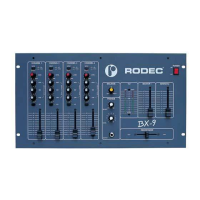
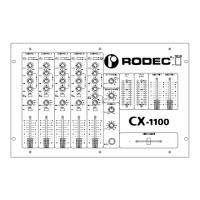
RODEC
3
50
limited edition
SAFETY INSTRUCTIONS
1) Do not expose the set to rain or water. Do not spill liquid or insert (metal) objects inside the
set. Rain, water or liquid such as cosmetics as well as metal, may cause electric shocks,
which can result in fire or shock hazard. If anything gets inside, unplug the power cord.
2) Frayed cords and broken plugs may cause a fire or shock hazard. Do not damage the power
cord. When removing the power cord from wall outlet, be sure to unplug by holding the plug
attachment and not pulling the cord.
3) Do not open the set, there are no serviceable parts inside.
Only qualified service technicians can service inside your set.
4) Operate the set only from a power source, which is indicated on the rating label at the back of
the set.
5) Do not use chemical products to clean the set. Do not use contact spray or other products in
the faders. The contact spray can damage the faders.
INSTALLATION OF THE MIXING PANEL
1) The set can be used in every position.
2) Don’t place the set into direct sunlight, or in a warm moist or dusty place.
3) To avoid disturbances, do not place the set in the neighbourhood of disturbing apparatuses.
FRONTPANEL, SWITCHES AND CONTROL
1) Power switch
Controls the supply of AC power to the set. One push turns the mixing panel on, a second
push turns it off. It remains in a stand-by mode.
2) Power "ON" on indicators
These indicators light up when the power is on.
3) VU meters
The two left meters indicate the PFL -or split signal. The right VU-meter displays the output
signals, depending on the position of the VU-2 signal select switch (4).
4) VU-2 signal select switch
With this switch is it possible to select the signal displayed on the two right VU-meters. When
the switch is on the SUM position the mix-signal will be displayed. On the positions MASTER
1, MASTER 2 and MONITOR the according outputsignals will be displayed.
5) Mode Switch
This switch is to be used to set the mixing panel in mono or stereo mode.
6) Phones output
Output for high level headphones monitoring. With the PFL switches (9) the connected audio
sources or the output (in split mode) can be displayed without manipulating the output signal
(Headphones 200-600Ω).
7) Phones control
This button is used to adjust the volume of the headphones.



 To Next Page