EVISION - HD101 & HD102 www.roevisual.com
V1.13, 2020-05-20 | Copyright © 2020 ROE Visual Co., Ltd. All Rights Reserved.
21 / 41
6.4 Setting Export & Import
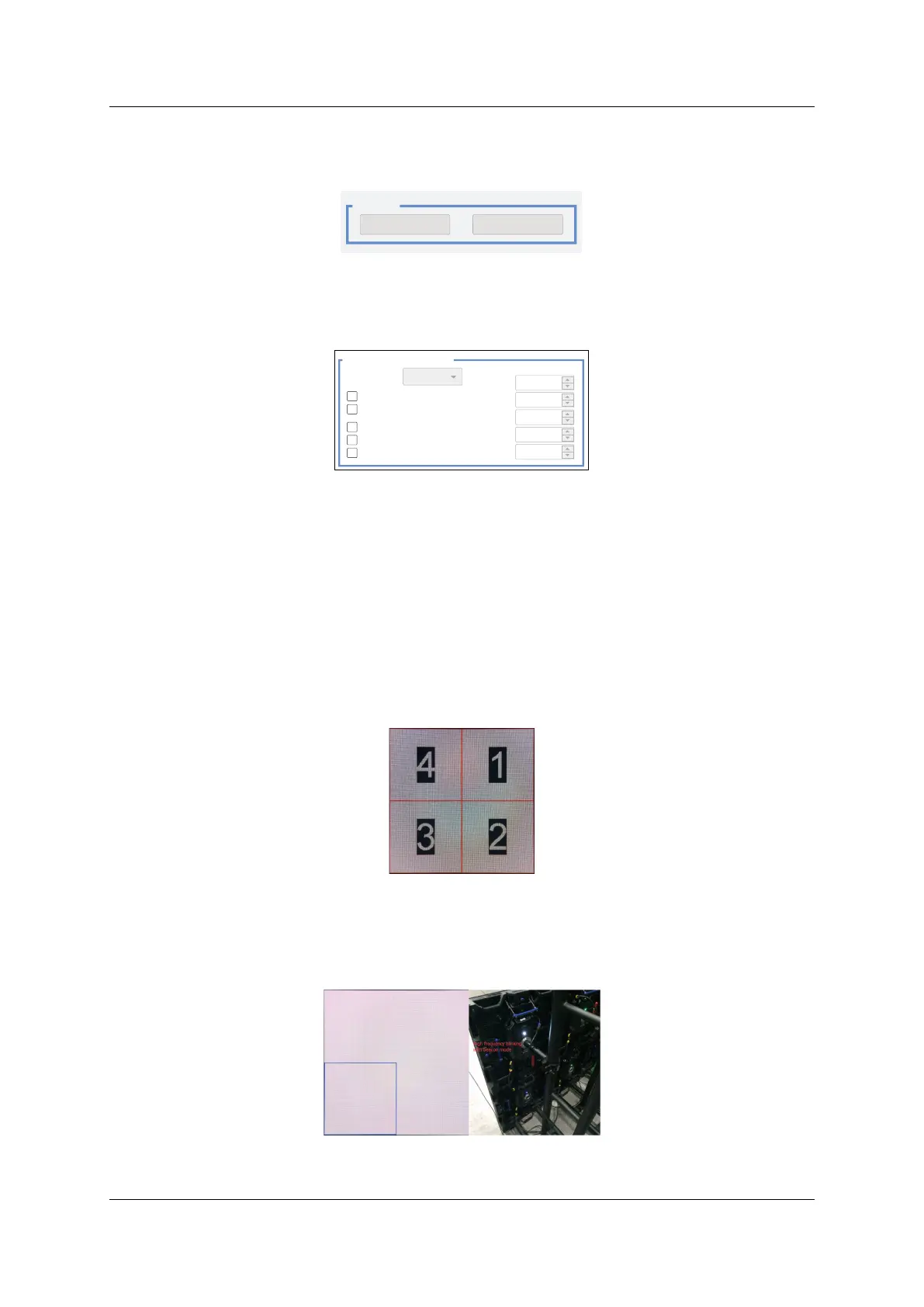
Click Export button to export the setting as a *.cfg file for future usage.
Click Import button to import a *.cfg file for fast setup.
Figure 6-3. Export & import setting
6.5 Individual Type Positioning
Individual Type Positioning provides functions for fast tile identification and position adjusting.
Figure 6-4. Individual type positioning settings
6.5.1 Empty Card Edit Mode
Enabling Empty Card Edit Mode will give access to set a tile as an empty one. Left-click to set a tile empty
and a click again will undo the action.
Please be noted that once a tile was set to empty, the mapping topology on it will be discarded.
6.5.2 Forbid Moving All Cards
Enabling Forbid Moving All Cards will prevent tiles from moving by mouse.
6.5.3 OSD
Enabling OSD will display the mapping number of tiles on the LED screen, for fast tile identification.
Figure 6-5. OSD on an LED screen
6.5.4 Beacon
Enabling Beacon function will display borders and enable the indicators to blink, in high frequency, of
the selected tiles.
Figure 6-6.Beacon function
Tile Address NONE
H Position 0
0
0
0
0
V Position
H
V
Card IndexBeacon (No Border)
Individual Type Positioning
Beacon
OSD
Forbi d Moving Al l Cards
Empty Card Edit Mode


 To Next Page